
When a wildfire, flood, or even a simple power outage hits Salinas, having a plan is the difference between a minor hiccup and a major business disaster. But a dusty binder on a shelf isn't a plan; it's a relic. Modern resilience requires you to have a dynamic, accessible strategy, and that's where dedicated business continuity planning software becomes essential. These platforms move your plans from static documents to active, integrated systems that manage risks, coordinate responses, and guide your team through any disruption. For local businesses here in Monterey County, this isn't an enterprise luxury—it's a core operational need.
This guide is designed to cut through the noise and help you find the right solution for your specific needs. I’ve analyzed the top business continuity and disaster recovery platforms, focusing on what matters most to small and mid-sized businesses like yours. For each option, you'll find a straightforward breakdown of key features, honest pros and cons, and clear pricing information. My goal is simple: to provide a clear, practical resource that helps you protect your business, your employees, and your future, delivering enterprise-level resilience at a price that makes sense for local SMBs.
1. Backup and Disaster Recovery Solutions by Adaptive Information Systems
Best for Monterey Bay SMBs Seeking a Managed Service Partner
At Adaptive Information Systems, we offer a powerful alternative to standalone business continuity planning software, positioning ourselves as your comprehensive managed service partner. This is an ideal solution if your small to mid-sized business in Salinas, Monterey, or the surrounding areas lacks a dedicated internal IT team but requires enterprise-grade resilience. Instead of just selling you a software license, we provide a fully managed Backup and Disaster Recovery (BDR) service that safeguards your entire operational ecosystem.
Our approach integrates strategic planning with robust technology. The service is built around a hybrid model that combines secure on-site backups for rapid local restores with scalable, off-site cloud storage for ultimate protection against localized disasters like fires or floods. This dual-pronged strategy ensures your critical data is always recoverable, minimizing costly downtime and keeping your business running.
 Backup and Disaster Recovery Solutions“>
Why It Stands Out
What makes our service stand out is our deep, localized expertise. We don't just protect data; we understand the specific operational challenges you face in key Monterey County industries, from agriculture and financial services to hospitality. This allows us to tailor BDR strategies that align perfectly with your business goals and regulatory requirements. Continuous system monitoring is a core component, meaning our team proactively identifies and resolves potential issues before they can cause a disruption.
For a deeper dive into our methodology, you can explore Adaptive’s expert guide to backup and disaster recovery for businesses on adaptiveis.net.
- Best For: Small to mid-sized businesses in the Monterey Bay Area, particularly those in agriculture, hospitality, or education, who need a hands-on, managed service rather than a DIY software tool.
- Key Feature: A hybrid on-site and cloud backup model combined with 24/7 monitoring and personalized support from a local team of IT experts.
- Pricing: Custom-quoted. As a managed service, pricing is tailored to your specific infrastructure, data volume, and recovery time objectives (RTOs). A consultation is required to develop a quote.
- Availability: Service-based, primarily for businesses located in Monterey County, including Salinas, Carmel, Pacific Grove, and surrounding communities.
Pros:
- Fully Managed Service: Eliminates the burden on your internal staff.
- Local Expertise: Deep understanding of regional business needs and compliance.
- Hybrid Data Protection: Combines the speed of on-site restores with the security of cloud backups.
- Proactive Monitoring: Identifies and mitigates threats before they cause downtime.
Cons:
- Geographically Focused: Primarily serves businesses in the Monterey Bay Area.
- Requires Consultation: Not an off-the-shelf software; requires a discovery process to implement.
2. Riskonnect
Riskonnect provides a comprehensive and integrated platform that goes beyond basic business continuity planning software. It is particularly well-suited for businesses in regulated industries like finance or agriculture in the Salinas Valley that require a holistic view of operational resilience, risk management, and crisis communication in one centralized hub. The platform’s strength lies in its ability to connect your continuity plans directly to real-time threat intelligence and automated emergency notifications.
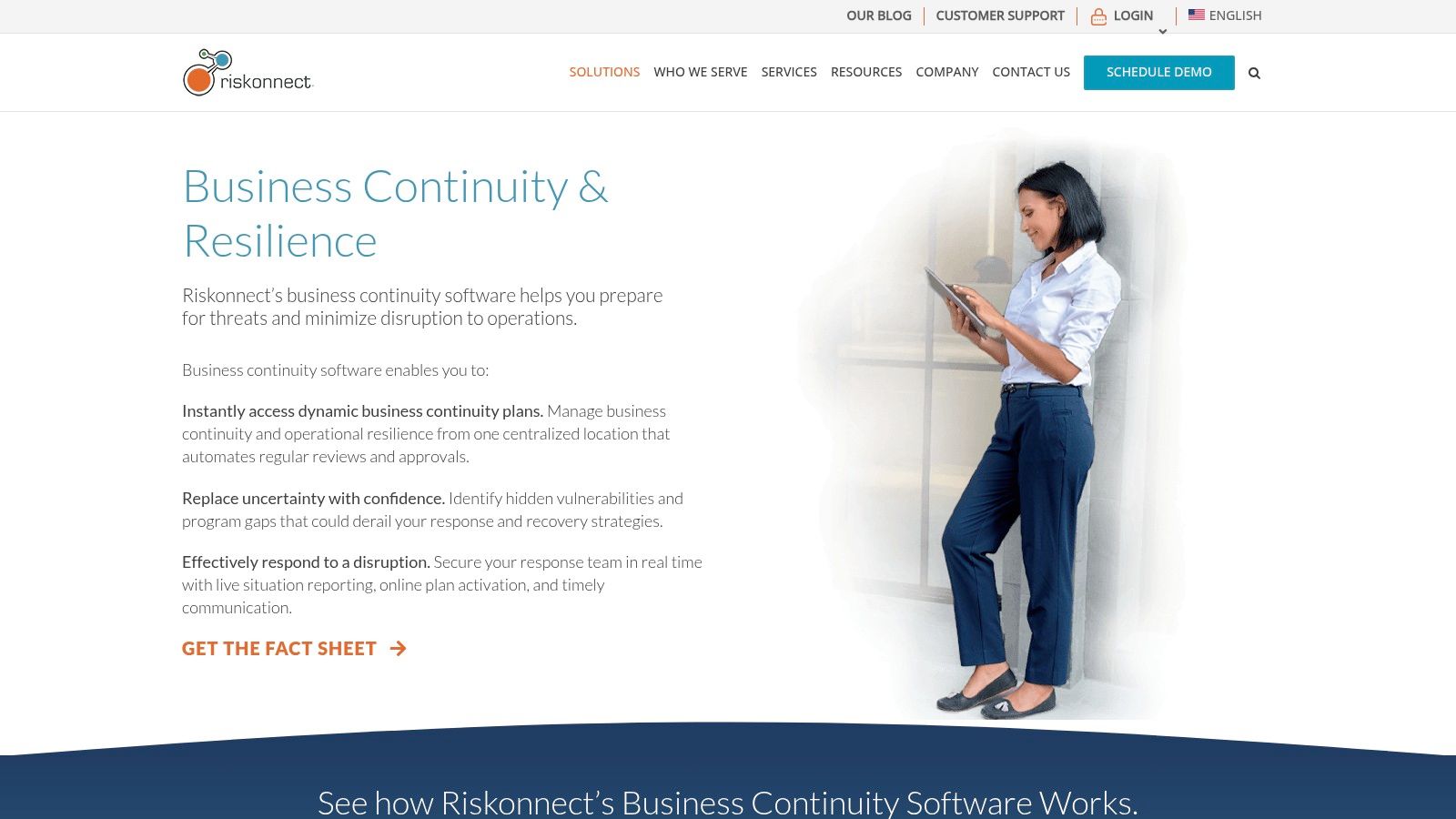
Unlike simpler tools, Riskonnect uses AI to help generate and maintain dynamic plans, ensuring they don’t become static documents. This approach helps you proactively manage disruptions rather than just reacting to them. The integrated nature of the platform also helps in building a robust security posture, which is a foundational element of resilience. For guidance on creating the policies that underpin such a system, consider using an IT security policy template as a starting point.
Pros & Cons
| Pros | Cons |
|---|---|
| Comprehensive Suite: Integrates continuity, risk, and crisis management. | Opaque Pricing: Requires direct contact for a quote. |
| User-Friendly: Centralized dashboard simplifies complex data. | Learning Curve: The wide range of features may overwhelm new users. |
| Expert Support: Offers consulting and managed services. |
Best for: Mid-sized businesses needing an all-in-one resilience and risk management system.
3. Quantivate
Quantivate offers a highly structured, all-in-one business continuity management (BCM) software solution that excels in guiding organizations through plan development and compliance. For businesses in Salinas or Monterey that need to meet strict regulatory standards, this platform simplifies the entire BCM lifecycle from initial analysis to final reporting. Its guided processes are a major advantage, making it one of the more accessible yet powerful business continuity planning software options on the market.
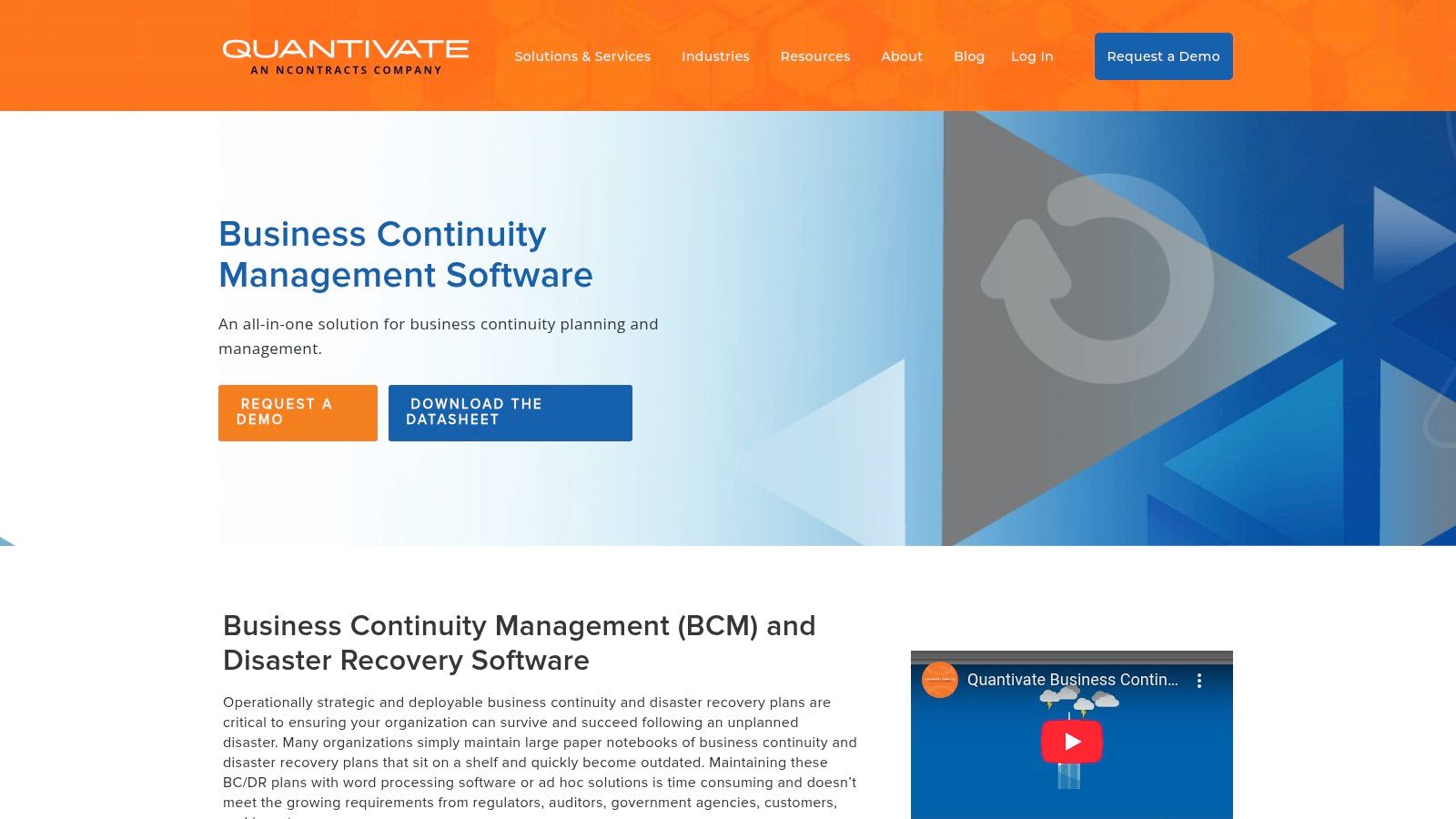
The platform’s strength is its automation of key processes like the Business Impact Analysis (BIA) and risk assessments, which are crucial for building a resilient operational framework. These features are foundational and align with best practices, similar to those outlined in a cybersecurity risk assessment template. With pre-built plan templates and an integrated emergency notification system, Quantivate equips your team with the tools needed to respond effectively during a crisis, ensuring your plans are both comprehensive and actionable when it matters most.
Pros & Cons
| Pros | Cons |
|---|---|
| User-Friendly Interface: Guided workflows simplify complex BCM tasks. | Pricing Not Public: Requires a direct inquiry for a custom quote. |
| Comprehensive Toolset: Covers everything from BIA to emergency notifications. | Feature Overload: The extensive feature set might be overwhelming for new users. |
| Strong Support: Includes valuable consulting services and customer support. |
Best for: Regulated businesses and organizations looking for a guided, compliance-focused BCM platform.
4. Paradigm Solutions International (OpsPlanner)
Paradigm Solutions International offers OpsPlanner, a robust business continuity planning software that provides enterprise-level features with a focus on ease of use. It is a solid choice for organizations in the Monterey Bay area that need a centralized, web-enabled platform to manage the entire Business Continuity Management (BCM) lifecycle, from initial analysis to incident response and recovery. The platform’s key differentiator is its flexibility, offering both SaaS and on-premise deployment options.
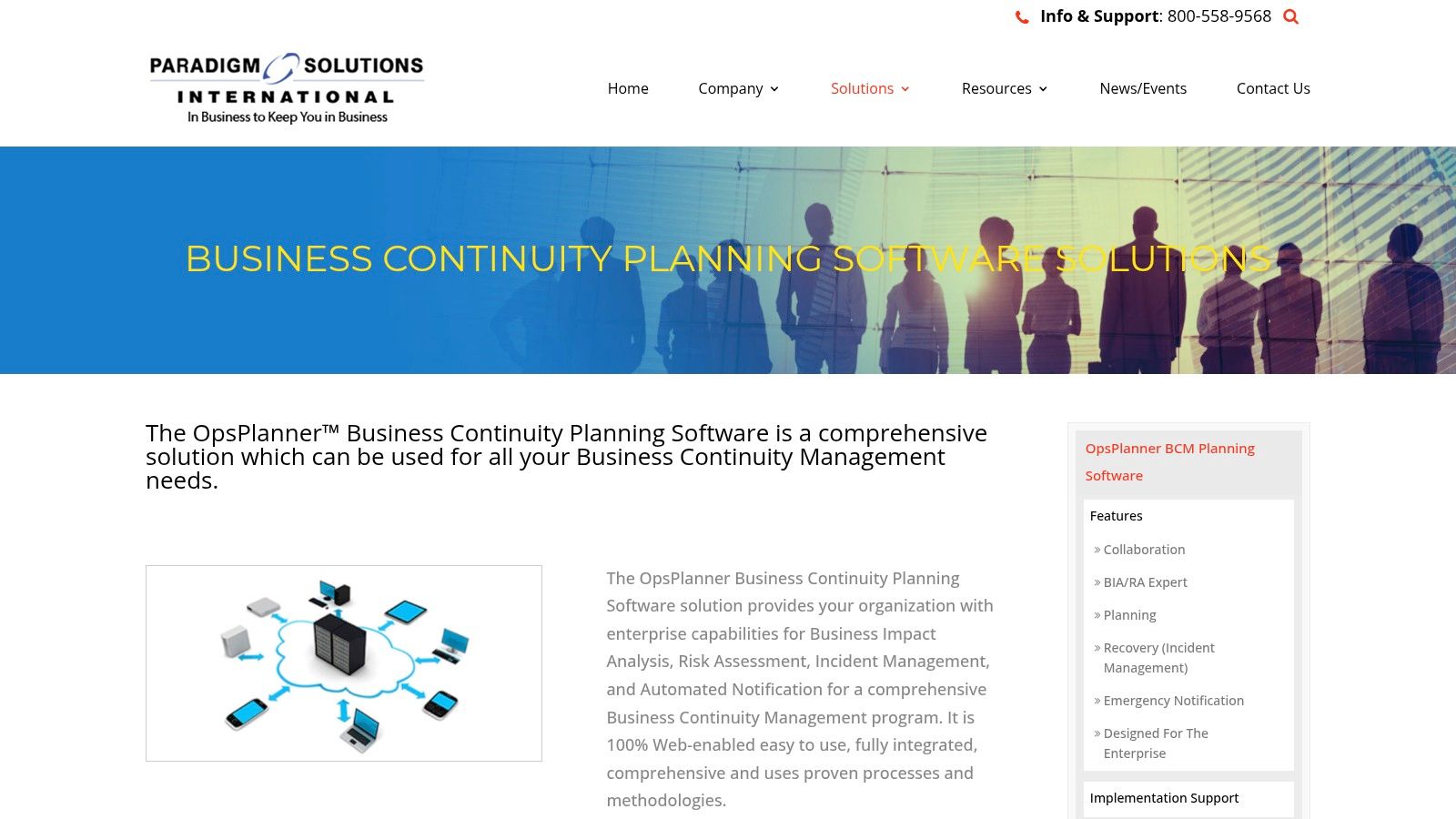
OpsPlanner simplifies plan creation with a familiar, Word-like editor and built-in templates, which helps teams without deep BCM expertise get started quickly. The automated Business Impact Analysis (BIA) and risk assessment tools are particularly valuable for streamlining what are often the most time-consuming parts of the planning process. This allows your team to focus on strategic resilience rather than getting bogged down in manual data collection and documentation.
Pros & Cons
| Pros | Cons |
|---|---|
| Flexible Deployment: Available as SaaS or a self-hosted solution. | Pricing Not Public: Requires a direct quote for cost details. |
| Centralized Platform: Manages the entire BCM process from a single hub. | Potential Learning Curve: May require some training to leverage all features effectively. |
| Expert Services: Offers consulting to guide implementation and strategy. |
Best for: Organizations that want a comprehensive, all-in-one BCM tool with flexible hosting options.
Visit Paradigm Solutions International (OpsPlanner)
5. Onspring
Onspring delivers a powerful and highly configurable platform for business continuity and disaster recovery, designed to streamline how you prepare for disruptions. It excels at mapping critical business processes and their dependencies, providing a clear view of your operational landscape. For businesses in the Monterey Bay area that need to align their recovery strategies with strict industry standards, Onspring’s automated workflows and documented planning features are particularly valuable. This ensures your continuity efforts are both compliant and effective.
What sets Onspring apart is its user-centric design, featuring customizable dashboards that translate complex data into actionable, real-time metrics. This focus on usability, combined with included implementation support, allows for faster adoption than many competitors. The platform's strong integration capabilities for emergency alerts and incident reporting make it an excellent choice for businesses seeking robust business continuity planning software. This structured approach helps transform your reactive crisis management into a proactive resilience strategy.
Pros & Cons
| Pros | Cons |
|---|---|
| User-Friendly Interface: Customizable dashboards simplify complex data. | Opaque Pricing: Requires direct contact for a quote. |
| Fast Implementation: Includes dedicated support to get you started quickly. | Mid-to-Large Focus: May be overly comprehensive for very small businesses. |
| Strong Security: Recognized for outstanding cybersecurity performance. |
Best for: Mid-sized to large organizations needing a user-friendly, highly configurable BCDR platform.
6. SAI360
SAI360 delivers business continuity management software designed to connect risk directly to resilience, helping you minimize downtime and accelerate recovery. The platform is especially useful for businesses that need to visualize their program's health, offering robust tools for business impact analysis (BIA) to accurately define RTOs and RPOs. This focus ensures that your continuity efforts are data-driven and aligned with critical operational needs.
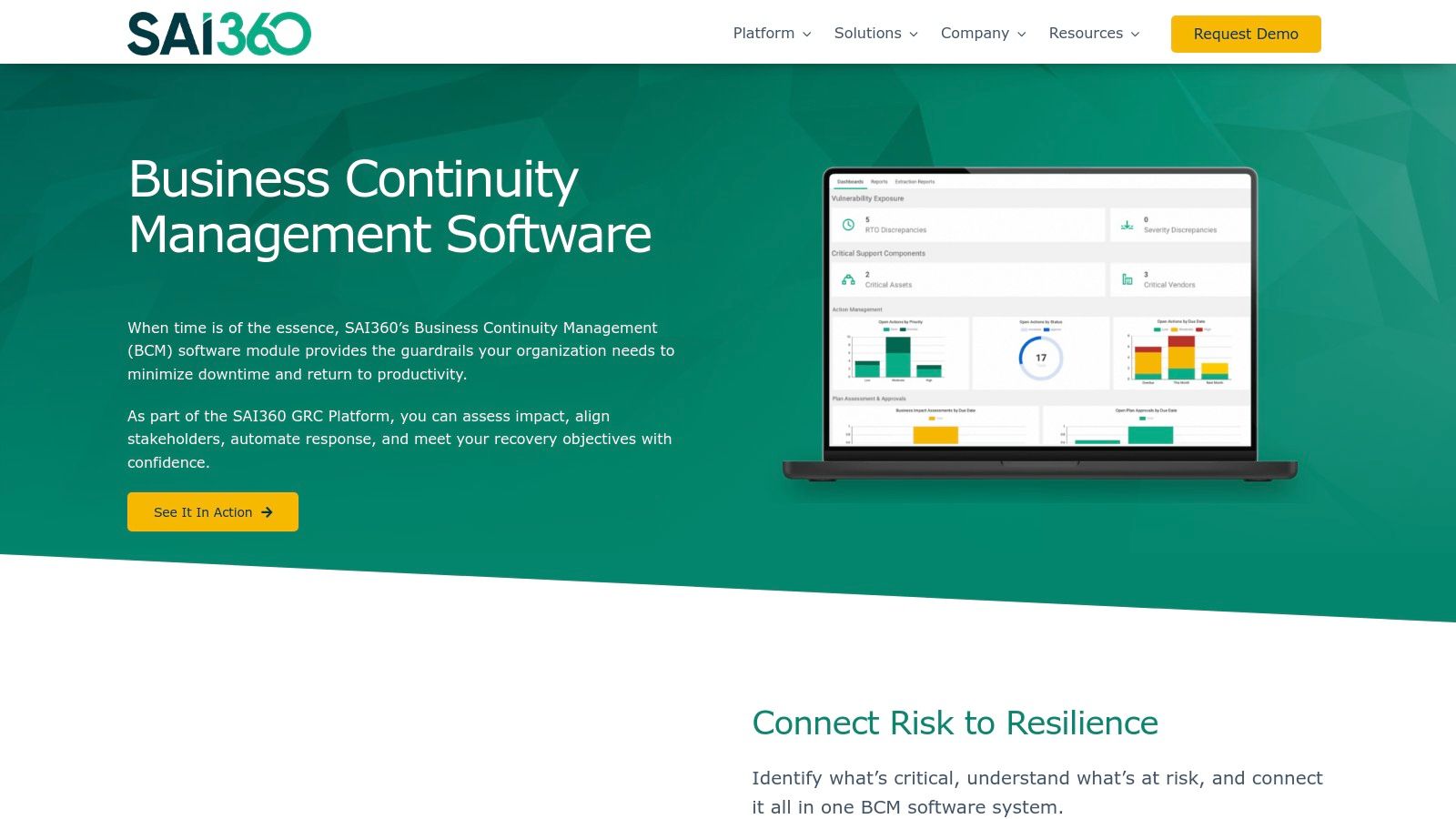
What sets SAI360 apart is its emphasis on real-world simulations and automated plan testing, which moves your strategy from a theoretical document to a practical, battle-tested process. Its centralized task management and real-time communication tools are invaluable during a crisis, ensuring your incident response is coordinated and effective. For global teams or companies with diverse workforces, its multilingual support is a significant advantage, ensuring clarity and consistency across all operations.
Pros & Cons
| Pros | Cons |
|---|---|
| Comprehensive Suite: Integrates various risk and compliance modules. | Opaque Pricing: Requires direct contact for a quote. |
| Global Support: Offers multilingual content for international teams. | Learning Curve: The extensive features can be complex for new users. |
| Strong Support: Known for excellent customer service and consulting. |
Best for: Businesses with global teams or complex compliance needs requiring integrated risk and continuity management.
7. Fusion Risk Management
Fusion Risk Management delivers a powerful, data-centric platform with its Fusion Framework System. This solution is designed for businesses that need to move beyond static plans and make informed, data-driven decisions during a crisis. It excels at mapping critical business processes and their dependencies, allowing you to visualize the direct operational impact of any disruption and prioritize your response accordingly.
What sets this business continuity planning software apart is its “what-if” scenario planning and automated response workflows. This capability is crucial for organizations, especially those navigating complex supply chains or hybrid work models, as it helps you preemptively identify vulnerabilities. A resilient plan also requires a strong security foundation; reviewing security solutions for hybrid work can help ensure your remote infrastructure is protected. Fusion’s focus on continuous improvement means your plans evolve alongside emerging threats.
Pros & Cons
| Pros | Cons |
|---|---|
| Comprehensive Risk Suite: Integrates continuity with broader operational risk management. | Opaque Pricing: Requires direct contact for a quote; no public pricing. |
| User-Friendly Interface: Customizable dashboards and reporting are intuitive. | License Limits: The number of included user licenses may be a constraint. |
| Helpful User Community: Active community provides peer support and insights. |
Best for: Organizations needing deep operational insights and data-driven scenario planning.
8. Archer Business Resiliency
Archer Business Resiliency offers a powerful and mature platform designed to help you streamline your approach to operational resilience. It excels at mapping critical business processes to their underlying IT infrastructure, which is a crucial step for businesses in Monterey Bay that need to understand dependencies before a crisis hits. The solution’s strength lies in its automation capabilities, which can significantly improve your response times by triggering recovery plans and tests automatically.
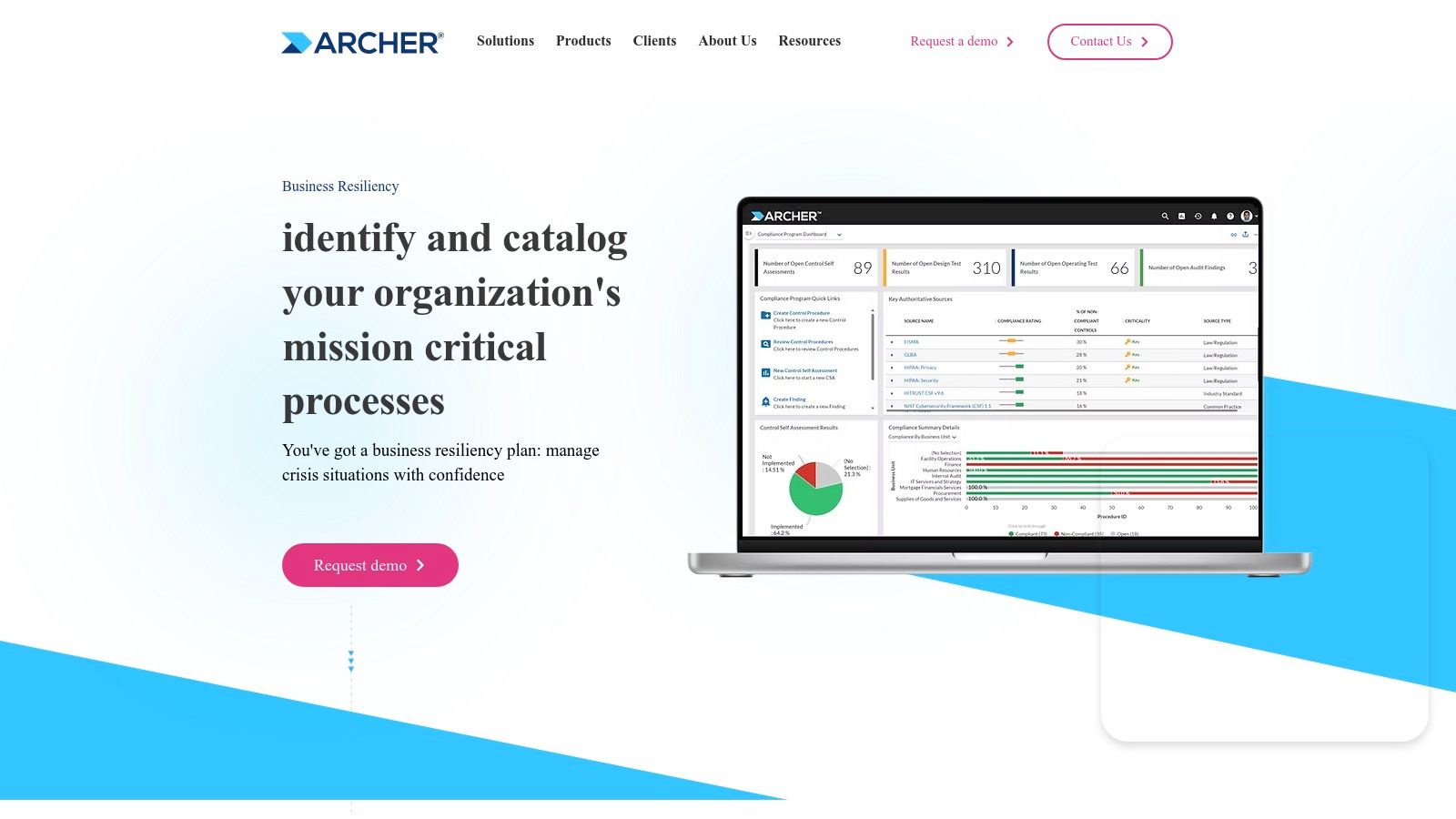
Unlike more basic business continuity planning software, Archer integrates deeply with broader risk and compliance management functions. This provides a single source of truth for your entire resiliency program, from incident categorization to post-event reporting. For organizations that need a highly configurable system that can adapt to specific regulatory needs or complex operational structures, Archer’s flexibility is a standout feature, although it may present a steeper learning curve for smaller teams.
Pros & Cons
| Pros | Cons |
|---|---|
| Advanced Automation: Streamlines disaster recovery and plan execution. | Opaque Pricing: Requires direct contact for a quote. |
| Highly Customizable: The platform can be tailored to specific needs. | Complex for SMBs: May be better suited for mid-to-large organizations. |
| User-Friendly Interface: Modern design simplifies complex processes. |
Best for: Mid-sized and larger organizations needing a customizable and automated business resiliency solution.
Visit Archer Business Resiliency
9. LogicManager
LogicManager is a robust enterprise risk management (ERM) platform that integrates business continuity planning software directly into its core framework. This makes it an excellent choice for businesses, including those in the Monterey Bay area, that need to manage continuity as part of a broader compliance and risk strategy. The platform excels at helping you identify and track critical business processes, then run business impact analyses (BIAs) and disaster simulations to prepare for potential outages.
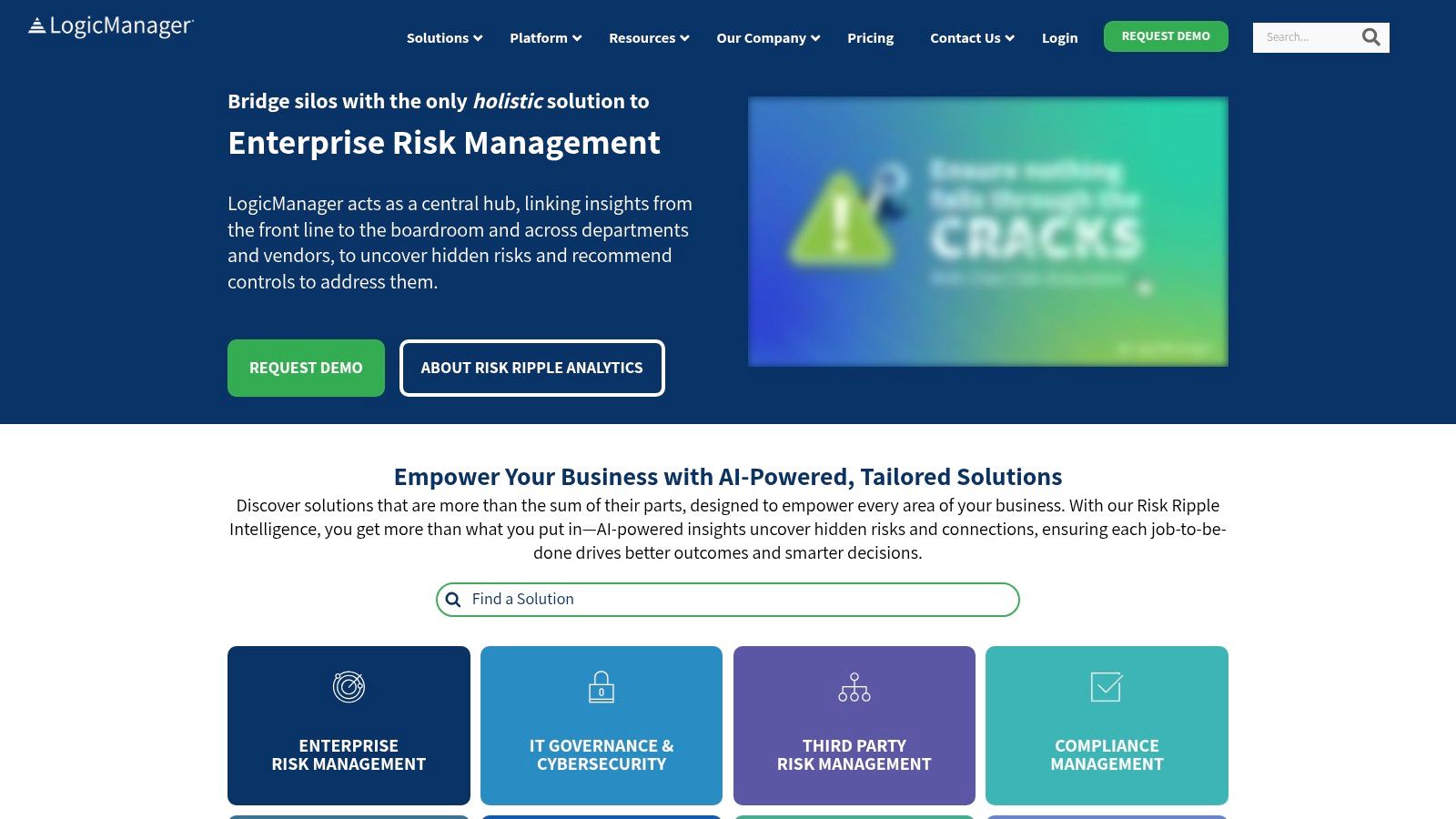
Unlike standalone BCP tools, LogicManager’s strength is its interconnectedness. You can link your recovery plans directly to specific risks, policies, and compliance requirements, creating a complete taxonomy of your organization's resilience. With integrations for over 500 business applications and customizable dashboards, it provides a centralized command center for incident tracking and management. This comprehensive approach ensures your continuity efforts are data-driven and aligned with your overall operational goals.
Pros & Cons
| Pros | Cons |
|---|---|
| User-Friendly Interface: The platform is known for its intuitive design and ease of use. | Pricing Not Public: You must contact the sales team directly for a quote. |
| Comprehensive Toolset: Combines risk, compliance, and continuity management. | Overwhelming for Some: The sheer number of features may have a learning curve for new users. |
| Strong Customer Support: LogicManager receives high marks for its helpful support team. |
Best for: Organizations needing to embed their business continuity plan within a wider risk and compliance program.
10. BC in the Cloud
BC in the Cloud, by Infinite Blue, offers a streamlined and accessible platform for organizations aiming to build out their disaster recovery and business continuity plans without excessive complexity. Its strength lies in providing a highly customizable, cloud-based environment that combines pre-defined templates with the flexibility to adapt workflows, dashboards, and reports to your specific business needs. This makes it a strong contender for businesses that want a structured yet adaptable approach to business continuity planning software.
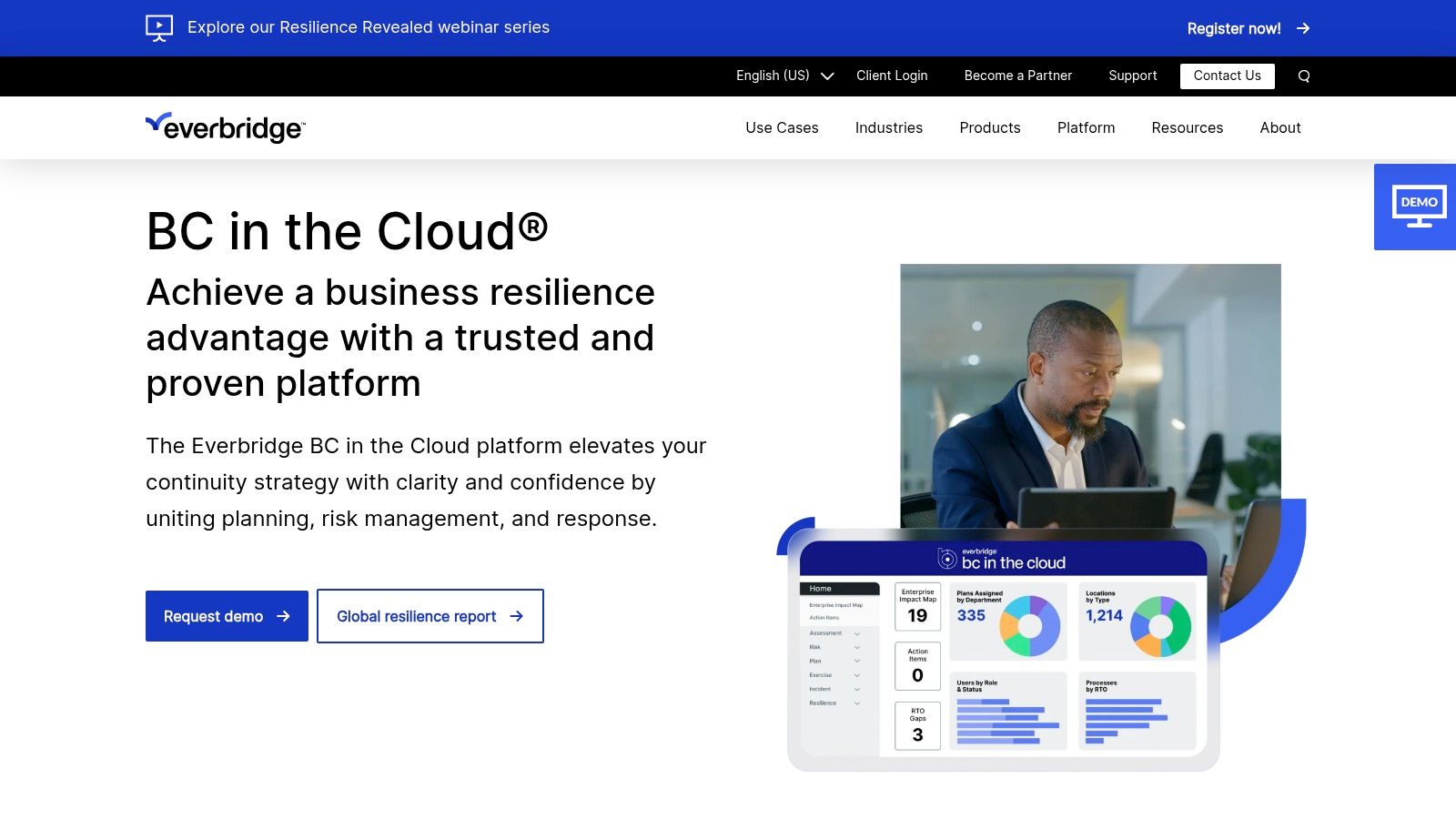
The platform is designed for intuitive use, allowing you to manage everything from initial plan development to automated response and recovery workflows in one place. It also includes useful features like vendor tracking and mass communication tools, centralizing key recovery functions. As a cloud-native tool, it supports resilience for distributed teams; for businesses considering a move to cloud infrastructure, a guide to cloud migration can help lay the groundwork for a successful transition.
Pros & Cons
| Pros | Cons |
|---|---|
| Highly Customizable: The platform can be tailored to specific business needs. | Opaque Pricing: Requires direct contact for a quote. |
| Intuitive Interface: Generally considered easy to learn and navigate. | Complex Reporting: Advanced reporting tools may have a learning curve for some users. |
| Responsive Support: Known for having helpful customer service. |
Best for: Companies seeking a user-friendly, customizable cloud solution with strong support.
11. Everbridge
Everbridge provides a premier Critical Event Management (CEM) platform that excels as a business continuity planning software, particularly for organizations where real-time response is non-negotiable. Its core strength is managing the full lifecycle of a disruptive event, from identifying risks with real-time intelligence to automating a coordinated response that protects your people, assets, and brand reputation. The platform is engineered to handle complex scenarios impacting workforce safety, IT systems, and critical supply chains.
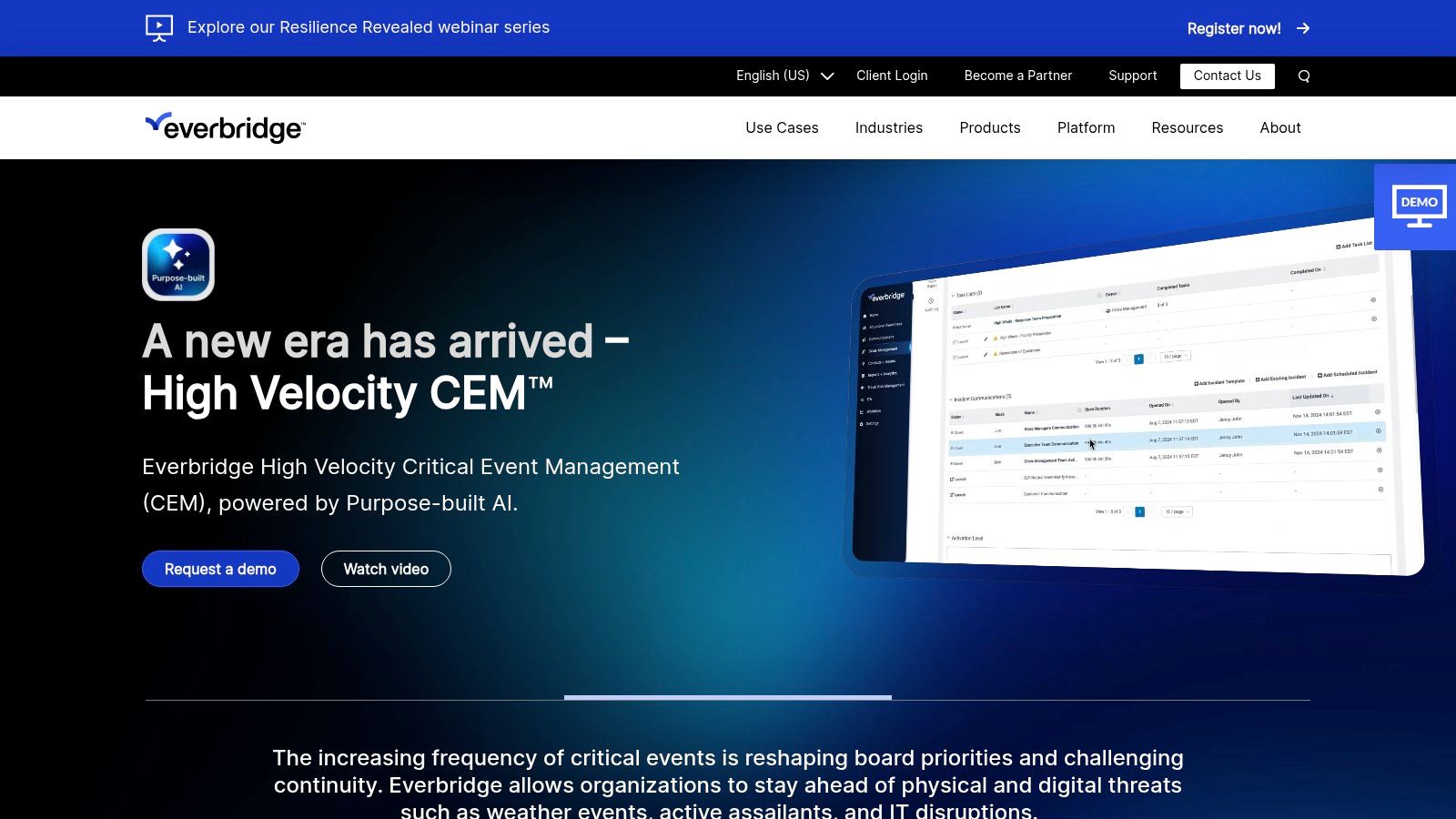
What sets Everbridge apart is its powerful automation and mass notification engine. When a threat is detected, from an active shooter to a system outage, it can trigger pre-defined workflows to communicate with stakeholders via multiple channels. This ensures the right information gets to the right people instantly, a crucial capability for any business that needs to manage crises effectively and maintain operational uptime under pressure.
Pros & Cons
| Pros | Cons |
|---|---|
| Robust Incident Response: Top-tier features for risk management and response. | Higher Price Point: Comprehensive features come at a premium cost. |
| Intuitive Interface: Simplifies the management of complex crisis events. | Dedicated Resources: May require specialized personnel for setup and management. |
| Strong Support: Known for excellent customer service and guidance. |
Best for: Organizations that require sophisticated, real-time critical event management and automated response.
12. Castellan
Castellan offers a streamlined and highly accessible platform for organizations aiming to strengthen their resilience against disruptions like cyberattacks or natural disasters. It’s an excellent choice for businesses that value a user-friendly interface and responsive support to guide them through building their business continuity planning software framework. The solution consolidates key functions like risk assessments, business impact analysis, and crisis management into one cohesive system.
What sets Castellan apart is its focus on automated program governance and robust reporting, which helps businesses in regulated fields like finance or agriculture in Salinas stay compliant. Its dashboards are customizable, allowing you to focus on the metrics that matter most to your operations. While it offers powerful tools, its core strength is making the complex process of continuity planning manageable, even for teams without deep technical expertise. The platform’s emphasis on security, with features like SSO, ensures your sensitive recovery plans remain protected.
Pros & Cons
| Pros | Cons |
|---|---|
| User-Friendly Interface: Clean design makes navigation intuitive. | Less Customizable: May not offer the deep customization of other tools. |
| Responsive Support: Users praise the helpful customer service team. | Mobile SSO Issues: Some users report issues with single sign-on on mobile. |
| Robust Reporting: Strong options for impact analysis and compliance. |
Best for: Businesses looking for an easy-to-use BCP tool with excellent support and strong reporting.
Business Continuity Software Comparison
| Solution | Core Features & Capabilities | User Experience & Quality ★★★★☆ | Value Proposition 💰 | Target Audience 👥 | Unique Selling Points ✨ |
|---|---|---|---|---|---|
| Backup and Disaster Recovery Solutions (Adaptive IS) | Scalable cloud backup, automated archiving, rapid restore | Personalized local support, high reliability | Cost-effective for SMBs 💰💰 | Small to mid-sized local businesses 👥 | Local expertise, combined on/off-site storage 🏆 |
| Riskonnect | Business continuity, crisis mgmt, AI plan generation | Centralized, user-friendly interface | Custom pricing; full-suite solution 💰 | Mid to large businesses 👥 | AI-powered plans, real-time threat intelligence ✨ |
| Quantivate | Automated BIA, risk assessments, mobile app | Guided UX, strong support | Pricing on request 💰 | Organizations needing full BCM 👥 | Pre-built templates, mobile access ✨ |
| Paradigm Solutions (OpsPlanner) | Plan editor, BIAs, risk assessments, mobile access | Centralized management, flexible deployment | Contact for pricing 💰 | Enterprises, SaaS & client-hosted users 👥 | Word-like editor, role-based security ✨ |
| Onspring | Automated BIA, workflows, dashboards | Customizable dashboards, fast implementation | Pricing on request 💰 | Mid to large organizations 👥 | Cybersecurity recognized, real-time alerts ✨ |
| SAI360 | BIA, simulations, task mgmt, incident response | Multilingual, comprehensive suite | Custom pricing 💰 | Global teams, large enterprises 👥 | Real-world simulations, centralized communication ✨ |
| Fusion Risk Management | Real-time insights, scenario planning, automated workflows | User-friendly, active community | Pricing by inquiry 💰 | Risk-focused enterprises 👥 | Data-driven decisions, continuous improvement ✨ |
| Archer Business Resiliency | Disaster automation, risk tracking, dashboards | Flexible, easy to use | Contact for pricing 💰 | Mid to large organizations 👥 | Advanced automation, customizable platform ✨ |
| LogicManager | Risk tracking, incident mgmt, impact analysis | Strong support, user-friendly | Pricing on inquiry 💰 | Enterprises needing risk & continuity 👥 | Integration with 500+ apps, comprehensive tools ✨ |
| BC in the Cloud | Templates, vendor mgmt, automated workflows | Intuitive UI, customizable | Custom pricing 💰 | Mid-sized & distributed teams 👥 | Cloud-based, mass communication tools ✨ |
| Everbridge | Risk intelligence, automated communication | Robust, intuitive interface, strong support | Higher price point 💰 | Large enterprises, critical event mgmt 👥 | Real-time risk monitoring, mass messaging ✨ |
| Castellan | Resilience, disaster recovery, compliance | User-friendly, solid reporting | Pricing by inquiry 💰 | Organizations needing operational resilience 👥 | Automated governance, strong security features ✨ |
Taking the Next Step Towards a More Resilient Business
Navigating the landscape of business continuity planning software can feel overwhelming, but making an informed choice is a crucial step toward securing your company’s future. Throughout this guide, we've explored a wide range of powerful platforms, from comprehensive solutions like Fusion Risk Management and Archer to more focused tools like Everbridge for crisis communication. Each offers a unique approach to identifying risks, building plans, and managing incidents when they occur.
The core takeaway is that modern business continuity is no longer about a static, paper-based plan tucked away in a binder. It’s a dynamic, living process powered by technology. The right software transforms your BCP from a theoretical exercise into an actionable, integrated part of your daily operations. It provides a single source of truth, automates tedious manual tasks, and empowers your team to respond swiftly and effectively, whether facing a wildfire evacuation in Carmel or a cyberattack targeting your Salinas office.
How to Choose the Right BCP Software for Your Needs
Selecting the perfect tool from this list requires looking inward at your own organization. Don't be swayed by the platform with the most features; focus on the one that solves your specific problems. Ask yourself these key questions:
- Your Business Size and Complexity: Your small agricultural business in the Salinas Valley has vastly different needs than a multi-location financial firm. Startups and small businesses might find immense value in user-friendly platforms like BC in the Cloud or Onspring, while larger organizations with complex compliance needs may gravitate toward Quantivate or SAI360.
- Implementation and Usability: Who will be using this software? If it’s not your dedicated IT team, you need a solution with an intuitive interface and minimal training requirements. The most powerful plan is useless if your team finds the software too difficult to use during a real crisis.
- Integration Capabilities: Your business continuity plan doesn't exist in a vacuum. Consider how a potential tool will integrate with your existing systems, such as your IT helpdesk, HR software, and mass notification systems. Seamless integration is key to a cohesive and rapid response.
- Scalability: Your business is poised for growth. The business continuity planning software you choose today should be able to scale with you, accommodating new locations, more employees, and evolving regulatory demands without requiring a complete overhaul.
Ultimately, the goal is not just to buy software but to build resilience. The right platform is a force multiplier, enabling you to proactively manage risk and confidently navigate disruptions. By investing in the right tool, you are investing in the stability, reputation, and long-term success of your business here on the Central Coast and beyond.
Choosing and implementing business continuity planning software is a significant project. For local businesses in Monterey County looking for guidance, we at Adaptive Information Systems provide the expert, hands-on support you need to select, deploy, and manage the right IT solutions for your specific needs. Let us help you build a more resilient future.
Adaptive Information Systems
380 Main St, Salinas CA 93901 | 831-644-0300 | hello@adaptiveis.net