
Don’t Let Hackers Crash Your Holidays: Cybersecurity Tips for Monterey Bay SMBs in Salinas
The holiday season in Monterey Bay brings a welcome surge in business for everyone, from Salinas retailers to Carmel hotels. Customer traffic is up, online orders are flowing, and your team is working hard. But this festive rush also brings a rise in cyber threats. For small and mid-size businesses in Salinas and surrounding communities, this spike can be dangerous. Hackers love to exploit distracted or overworked teams with phishing scams, malware, and data breaches.
A single incident—like a compromised email or a ransomware attack—can shut down your operations, lead to data loss, and damage customer trust right at the busiest time of year. Small businesses often lack a full-time IT department to stop these holiday-related attacks. This guide offers seven practical cybersecurity tips to help you protect your business, keep operations smooth, and ensure a secure, successful holiday season in Monterey Bay.
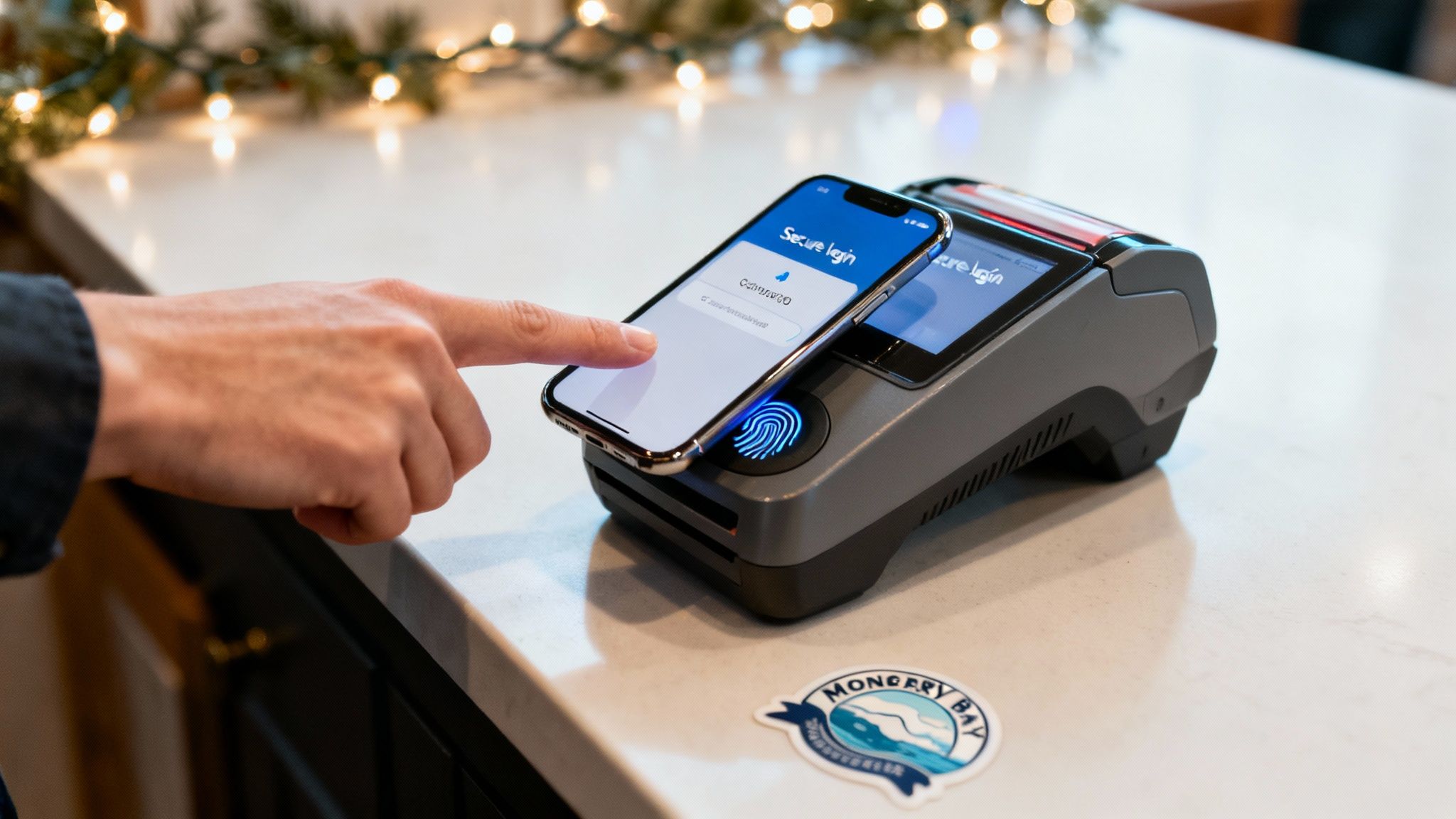
1. Use Multi-Factor Authentication (MFA) on All Your Systems
A strong password is a good start, but it’s no longer enough to protect your business. Multi-Factor Authentication (MFA) adds a crucial second layer of security, like a deadbolt on your digital door. It requires you to provide a second piece of information (like a code from your phone) in addition to your password. This makes it much harder for hackers to get in, even if they steal a password. This is one of the most effective ways to make sure hackers don’t let hackers crash your holidays: cybersecurity tips for monterey bay smbs.
For a hospitality business in Carmel, this could mean an employee needs their password and a code from their smartphone to access the booking system. A Salinas-based farm might use it to protect sensitive crop data. This simple step turns a single weak point (a password) into a strong defense.
Why MFA is Essential for the Holidays
During the chaotic holiday season, your team is focused on sales and customers, not cybersecurity. You may have seasonal staff who aren't fully trained on security rules. Rushed employees are more likely to fall for scams. MFA provides a critical safety net by automatically blocking bad login attempts, even if someone makes a mistake.
Actionable Steps for You:
- Protect Your Most Important Systems First: Start by turning on MFA for your most valuable accounts. This includes email (like Microsoft 365 or Google Workspace), financial software, and any system with customer data.
- Choose Secure Methods: Use authenticator apps (like Google Authenticator) instead of text messages when you can. App-based codes are more secure.
- Have a Backup Plan: Save the backup codes for each user in a secure place. Create a clear process for what an employee should do if they lose their phone or authenticator.
- Train Your Team: Before the holiday rush starts, hold a quick training session. Explain what MFA is, why you're using it, and how it works. This avoids confusion during your busiest time.
Implementing MFA is a powerful step beyond basic passwords. For a deeper dive into creating a strong first line of defense, explore these password policy best practices.
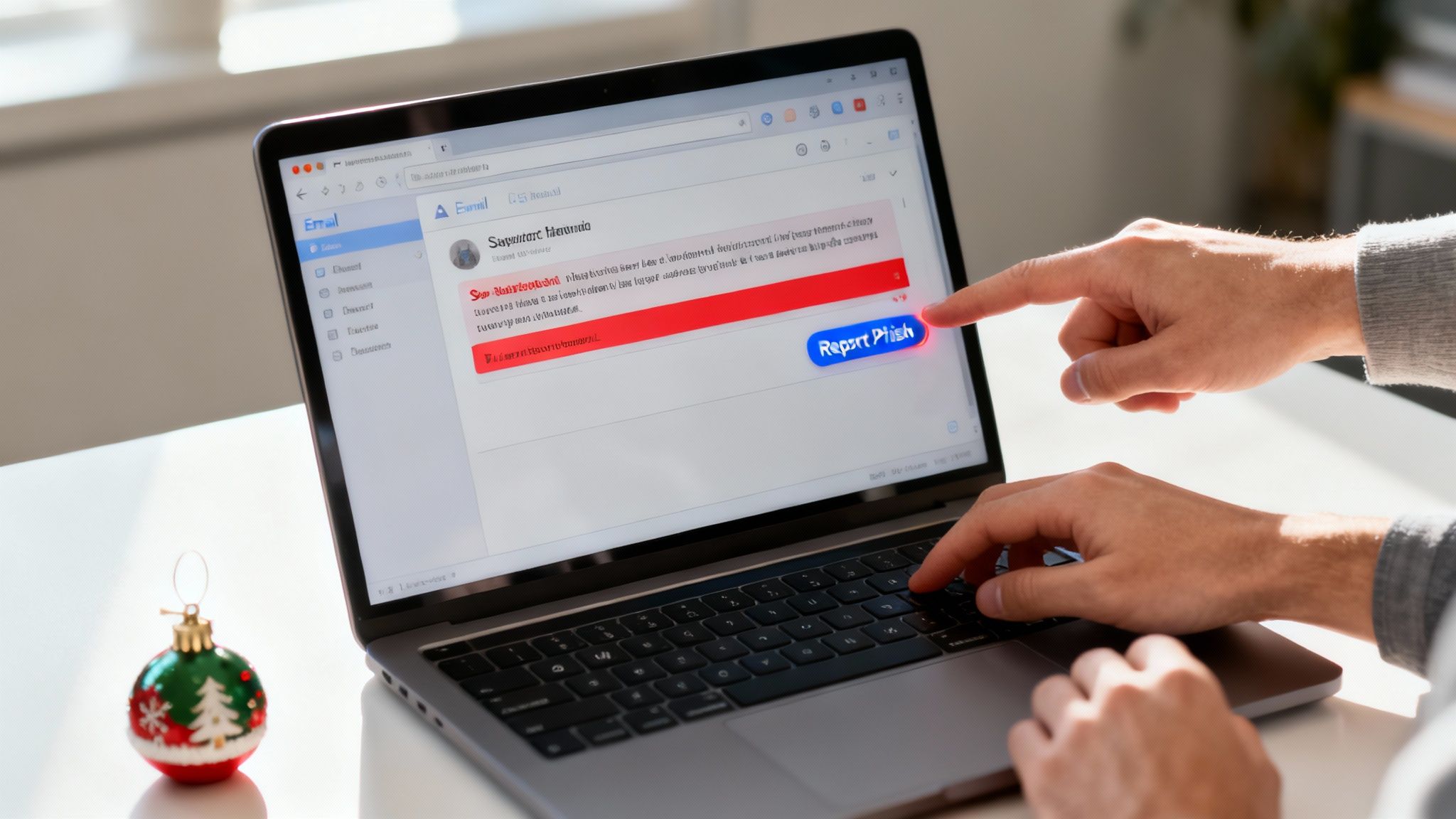
2. Train Your Team to Spot Phishing Scams
Your technology can be secure, but your team is often the first target for hackers. Security awareness training teaches your employees about cyber threats and how to avoid them. When you combine this with practice phishing tests, your staff turns from a potential weakness into a strong defense. They learn to spot and report suspicious emails before they cause damage. This is a critical defense because hackers trying to crash your holidays often rely on human error.
Imagine a busy winery in Monterey getting a fake invoice that looks real, or a Seaside retail store getting an urgent "password reset" email on Black Friday. Without training, a rushed employee might click a bad link and compromise your network. Regular training helps your team learn to pause, spot the red flags, and report suspicious activity, even during the holiday chaos.
Why Training is So Important for the Holidays
Hackers know your team is distracted during the fourth quarter. They send more phishing emails disguised as shipping notifications, holiday e-cards, and fake invoices. Seasonal hires are especially at risk because they may not know your security rules. Ongoing training is the best way to prepare your staff for these holiday-themed scams.
Actionable Steps for You:
- Schedule a Pre-Holiday Refresher: Hold a short, required training session before the holiday rush begins. Focus on how to spot the latest phishing tricks and remind everyone how to report a suspicious email.
- Keep it Short and Sweet: No one likes long lectures. Use short, 10-15 minute videos and real-world examples to keep your team engaged.
- Run Phishing Tests: Send fake phishing emails to your team every month to test their skills. This helps them practice in a safe way.
- Create a Positive Culture: Thank or reward employees who correctly report phishing attempts. This encourages everyone to stay alert.
To effectively protect your business, it's crucial for your team to gain a deeper understanding of phishing attacks. You can learn more about the specific dangers of email phishing and how to build a strong defense.
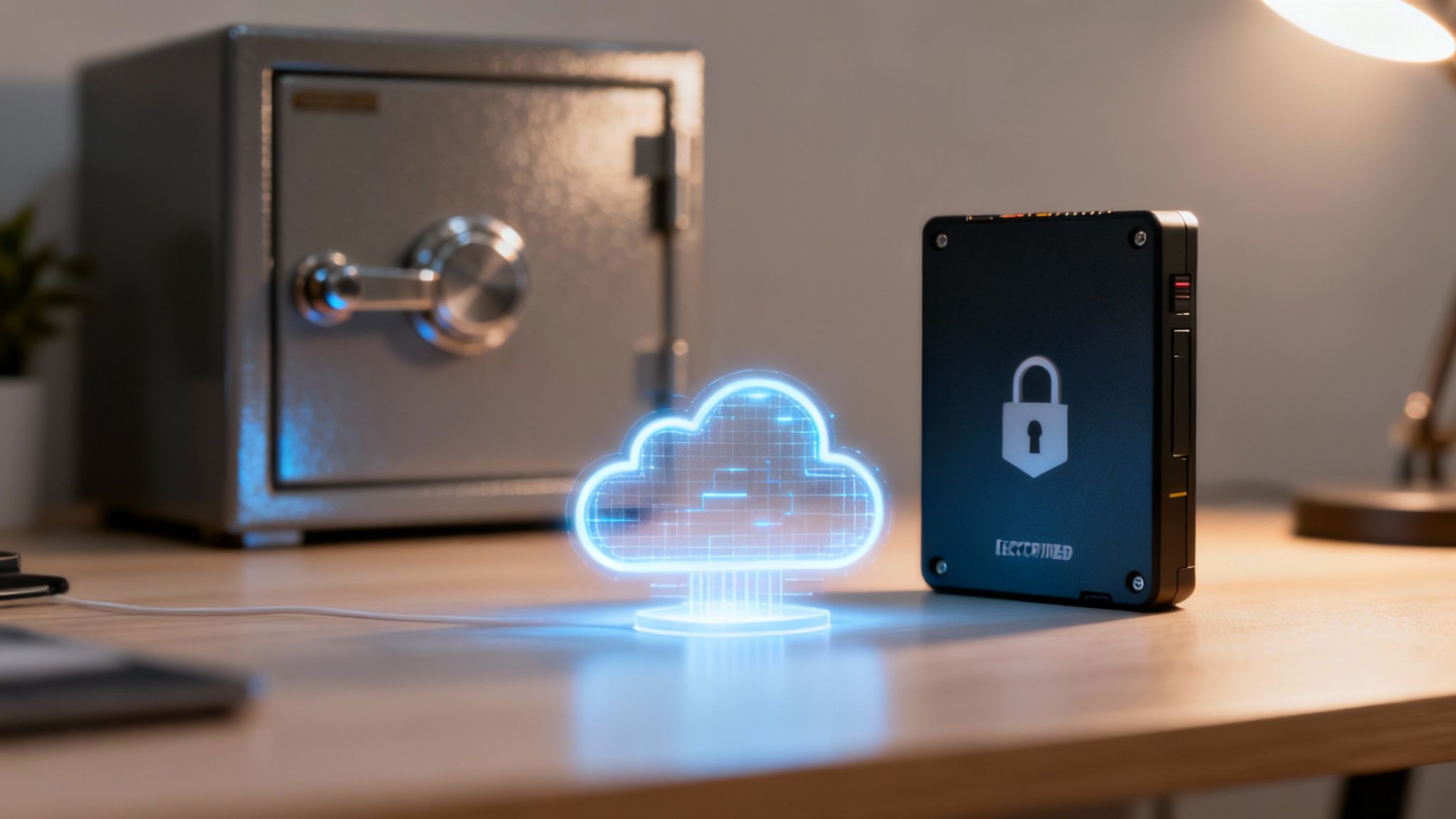
3. Have a Strong Backup and Disaster Recovery Plan
When a cyberattack like ransomware strikes, your data is the main target. A solid backup and disaster recovery (BDR) plan is your ultimate safety net. It ensures you can get your systems back online quickly without paying a ransom or losing critical information. This is a must-have for any business, especially when key staff might be on vacation. For local businesses, this is how you make sure you don’t let hackers crash your holidays: cybersecurity tips for monterey bay smbs.
A Monterey Bay restaurant, for instance, can use a BDR plan to recover its ordering and payment systems in hours instead of days, preventing huge sales losses during its busiest season. A Pacific Grove medical office can restore patient records almost instantly after an attack, keeping patient trust and avoiding legal issues. Your plan turns a potential disaster into a manageable problem.
Why a BDR Plan is Critical for the Holidays
The holiday rush means more sales, more data, and more to lose. An attack during this peak period can shut down your business when you can least afford it. Your BDR plan should be automated and tested so that it works even if you are short-staffed. It ensures that if a threat gets through, its impact is small, and your recovery is fast. You can focus on serving customers, knowing your data is safe.
Actionable Steps for You:
- Follow the 3-2-1 Rule: Keep at least three copies of your data on two different types of storage, with one copy stored off-site. This protects you from ransomware and local disasters like fires or floods.
- Test Your Backups: A backup plan is useless if it doesn't work. Schedule regular tests to restore a few files or systems. This helps you find and fix problems before a real emergency happens.
- Encrypt Your Backups: Make sure all backups, whether on-site or in the cloud, are encrypted. This prevents anyone from accessing your data if a backup drive is stolen.
- Know Your Goals: Decide how quickly you need to be back online after a disaster (Recovery Time Objective) and how much data you can afford to lose (Recovery Point Objective). These goals will guide your backup strategy.
A solid BDR strategy is the backbone of your business's resilience. To create a plan that fits your business needs, explore these core principles of data backup and disaster recovery.
4. Install and Update Antivirus and Endpoint Protection
Think of your business network like a busy holiday market. Every device—from the cash register at your Pacific Grove shop to a remote employee's laptop—is a potential entry point for hackers. Modern Endpoint Protection software goes beyond old-school antivirus. It provides real-time threat detection and malware prevention on all of your devices. This is a vital layer of security to ensure you don’t let hackers crash your holidays: cybersecurity tips for monterey bay smbs.
For example, a hotel with locations in Monterey and Carmel can use one system to protect every front desk computer and back-office server. A local construction company in Salinas can protect its tablets in the field, stopping threats before they spread from a job site back to the main office. This technology is like a digital security guard, actively watching every device.
Why Endpoint Protection is Critical for the Holidays
The holiday rush brings more online sales, seasonal staff, and a higher risk of employees clicking on bad links. A single infected device can quickly compromise your entire network, leading to costly downtime or a data breach right when your business can least afford it. Next-Generation Antivirus (NGAV) uses smart technology to spot and block new threats that traditional antivirus would miss.
Actionable Steps for You:
- Choose a Modern Solution: Move beyond old antivirus. Modern tools like Microsoft Defender for Endpoint or Bitdefender offer better protection against today’s sophisticated threats.
- Turn on Automatic Updates: Threats change every day. Set your software to update automatically to make sure it can recognize the latest malware.
- Manage Everything in One Place: Use a central dashboard to monitor all your devices. This lets you see alerts, manage settings, and respond to problems quickly, from Marina to Seaside.
- Schedule Smart Scans: Run full system scans during off-hours, like overnight, to avoid slowing down employees during the busy workday.
Effective endpoint protection is a cornerstone of a secure business. For a closer look at the leading options available, you can explore our guide to the best business antivirus software.
5. Separate Your Network into Zones (Network Segmentation)
Running your business on one single, open network is like leaving every door inside your building unlocked. If a hacker gets in the front door, they can go anywhere. Network segmentation divides your IT system into smaller, isolated zones. This controls how data moves between them and stops a breach in one area from spreading to your whole company. It’s a smart tactic so that you don’t let hackers crash your holidays: cybersecurity tips for monterey bay smbs.
For a local medical clinic, this means the network with patient records is completely separate from the public Wi-Fi in the waiting room. A retail store in Seaside can isolate its payment terminals from the main office network. This ensures a virus on an office computer can't steal customer credit card data. This approach greatly reduces the damage a cyberattack can cause.
Why Segmentation is Essential for the Holidays
The holiday season often means more temporary devices and seasonal employees on your network, which creates more risk. A compromised guest Wi-Fi or a seasonal worker's infected device could become a gateway to your most sensitive data. Segmentation contains these threats, protecting critical systems like payment processing from being disrupted during your most profitable time of year.
Actionable Steps for You:
- Identify Your Critical Systems: Before you create zones, figure out where your most valuable data is stored. This includes customer lists, financial records, and key business software. Protect what matters most first.
- Create Zones by Function: Set up separate zones based on what they do. For example, have different segments for payment systems, guest Wi-Fi, and staff computers.
- Use Firewalls to Enforce Rules: Use a firewall to strictly control the data that can flow between zones. Block all traffic by default and only allow what is absolutely necessary.
- Limit User Access: Follow the principle of "least privilege." This means employees should only have access to the data and systems they need to do their jobs. Review these permissions before the holiday rush to remove any unneeded access.
Properly segmenting your network is a key part of modern security. To understand how this fits into a larger defensive strategy, learn more about our managed firewall services.
6. Create an Incident Response Plan
Hoping a security breach won't happen is not a strategy. An Incident Response (IR) plan is a clear, step-by-step guide your business will follow if a cyberattack happens. It outlines who does what, and how to contain a threat, limit damage, and get back to business. Having a plan ensures your team can act quickly and effectively, even under the pressure of a holiday season attack. This preparation is a key reason why you don’t let hackers crash your holidays: cybersecurity tips for monterey bay smbs.
For a Pacific Grove retailer, a good IR plan means knowing exactly who to call if their payment system is hacked. A local law firm in Monterey could use its plan to immediately coordinate with their IT provider and lawyers, protecting client privacy. A plan turns chaos into a coordinated, calm response.
Why an Incident Response Plan is Essential for the Holidays
When an attack happens during the holiday rush, every second of downtime costs you money and customer trust. An IR plan eliminates guesswork. Your team isn't scrambling to figure out what to do; they are following a pre-approved plan. This is especially important when key managers might be on vacation or when seasonal staff are on duty.
Actionable Steps for You:
- Assemble Your Response Team: Choose a team that includes people from IT, management, legal, and HR. Assign a clear leader who can make decisions.
- Write Down Your Plan: Create a written plan that details each person's role. Make simple checklists for common problems like a phishing attack or malware infection.
- Set Up Secure Communication: Your normal communication channels, like email, might be down during an attack. Have a backup way to communicate, like a secure group chat app.
- Practice Your Plan: A plan is useless if you don't test it. Run through practice scenarios with your team a few times a year to find any weak spots.
- Keep a Contact List Offline: Keep a printed copy of essential phone numbers. This should include your IT provider (like Adaptive Information Systems), lawyer, insurance agent, and key employees.
7. Keep All Your Software Updated (Patch Management)
Think of unpatched software as an unlocked window in your business. Hackers actively look for these known security holes to get easy access to your network. Patch management is the process of regularly updating all of your software and systems to close these gaps. This is a basic but critical security practice that ensures you don’t let hackers crash your holidays: cybersecurity tips for monterey bay smbs.
For a Pacific Grove retail shop, this means keeping its payment system software updated to protect customer credit card data. A farm in Salinas should schedule regular updates for its equipment software to prevent operational shutdowns. Applying these updates is one of the most effective ways to stop common cyberattacks.
Why Patching is Critical for the Holidays
The holiday season is a popular time for cyberattacks because businesses are often too busy to handle routine IT work. Hackers know this and will try to exploit newly discovered software flaws. Unpatched systems are the entry point for most cyber breaches. A single missed update on a server or computer can give a hacker all they need to take down your network during your most profitable quarter.
Actionable Steps for You:
- Create a Patching Schedule: Set up a routine for applying updates that causes the least disruption. Schedule major updates for off-peak hours, like overnight or on weekends.
- Prioritize Critical Updates: Focus first on updates for high-risk software, like your operating system (Windows), web browsers, and any programs that handle sensitive data.
- Test Updates Before You Deploy Them: When possible, test important patches on a single computer first. This helps make sure the update won’t cause problems with your other business software.
- Automate When You Can: Set non-critical software to update automatically. This ensures a basic level of security is always maintained without constant manual work from your team.
Consistent patch management is a non-negotiable part of modern cybersecurity. To build a robust strategy for your business, you can explore the fundamentals of what is patch management.
7 Key Cybersecurity Measures Comparison for Monterey Bay SMBs
| Item | Implementation complexity 🔄 | Resource requirements ⚡ | Expected effectiveness ⭐ | Ideal use cases 📊 | Key advantages & tips 💡 |
|---|---|---|---|---|---|
| Implement Multi-Factor Authentication (MFA) Across All Systems | Moderate 🔄 — policy, integration, user rollout (2–4 weeks) | Low–Moderate ⚡ — auth apps, licensing, support | Very high ⭐ — greatly reduces account compromise (~99.9%) | Access control for cloud/on‑prem apps, POS, finance systems | Works retroactively, prefer authenticator apps over SMS; provide backup codes and recovery process |
| Conduct Regular Security Awareness Training and Phishing Simulations | Low–Moderate 🔄 — program setup and recurring campaigns | Low ⚡ — platform subscription, staff time for short modules | High ⭐ — can reduce successful phishing up to ~85% over time | All staff, customer‑facing teams, remote workers | Keep sessions short/interactive; schedule before holidays; reward reporters and run progressive simulations |
| Establish a Robust Backup and Disaster Recovery Plan | Moderate–High 🔄 — architecture, automation, and testing required | Moderate–High ⚡ — storage, offsite/air‑gapped media, vendor or staff support | Very high ⭐ — minimizes downtime and ransom impact; enables rapid recovery | Any SMB with critical data: POS, patient records, financial systems | Implement 3‑2‑1, encrypt backups, test quarterly, document RTO/RPO and keep offline copies |
| Deploy and Maintain Updated Antivirus and Endpoint Protection | Low–Moderate 🔄 — deployment, tuning, and monitoring | Low–Moderate ⚡ — licenses, management console, updates | High ⭐ — real‑time protection; reduces incidents and supports forensics | Multi‑device environments, remote employees, POS endpoints | Use NGAV, enable automatic updates, centralize management, exclude backups from scans |
| Implement Network Segmentation and Access Controls | High 🔄 — design VLANs/microsegmentation and RBAC, ongoing tuning | High ⚡ — advanced network gear, NAC, skilled admins | High ⭐ — limits lateral movement and breach scope | Payment processing, healthcare networks, environments with critical assets | Map assets first, apply least privilege and MFA at boundaries, monitor inter‑segment traffic |
| Create an Incident Response Plan and Establish Communication Protocols | Moderate 🔄 — document roles, procedures, and escalation; test regularly | Low–Moderate ⚡ — time, tabletop exercises, legal/PR involvement | High ⭐ — reduces response time from days to hours; preserves evidence | Organizations with regulatory obligations or customer data | Define IR team and contacts, avoid using compromised systems for comms, run quarterly tabletop and annual full simulations |
| Maintain Comprehensive Patch Management and Software Updates | Moderate 🔄 — inventory, testing, prioritized deployment | Low–Moderate ⚡ — patch management tools, staging environments | High ⭐ — addresses common exploit vectors (60% of breaches involve unpatched flaws) | Environments with diverse software, servers, POS and ICS | Prioritize critical patches, test in staging, schedule off‑peak updates, maintain inventory and rollback plans |
Partner with a Local Expert to Secure Your Holiday Season
The holiday season in Monterey Bay should be about celebrating success, not recovering from a cyberattack. Protecting your business requires a layered, proactive strategy. From training your team to spot scams to having a solid backup plan, each tip we’ve covered acts as a critical line of defense. These aren't just abstract IT concepts—they are the practical, essential steps that ensure you don’t let hackers crash your holidays: cybersecurity tips for Monterey Bay SMBs like yours.
Your Holiday Cybersecurity Checklist:
Now is the ideal time to take action before the peak holiday rush. Here are the key takeaways:
- Empower Your People: Your team is your first line of defense. Regular security training turns employees, including seasonal hires, into a strong part of your security.
- Prepare for the Worst: An attack is a matter of "when," not "if." Having a tested response plan and a reliable backup system means you can recover quickly, with minimal downtime.
- Master the Basics: Simple security practices like MFA, endpoint protection, and software updates do the heavy lifting. They block the vast majority of attacks that cybercriminals use against local businesses.
The Value of a Local IT Partner
Managing all of this, especially during the holiday rush, can feel overwhelming. The winter surge in retail and tourism across Monterey Bay creates a high-risk environment. Juggling seasonal staff and extended hours leaves little time for cybersecurity. That’s where a local, dedicated IT partner can help. At Adaptive Information Systems, we provide enterprise-level IT support at a price that works for local small businesses. We offer hands-on help with no long wait times, so you can stay focused on your business.
If you're preparing for the holiday rush in Salinas, Monterey, or Watsonville, make sure your IT systems are ready too. This holiday season, give your business the gift of peace of mind. Let’s make sure your holidays are remembered for record sales and happy customers, not for a preventable cyber incident.
Contact Adaptive Information Systems today for local, trusted support that keeps your business protected and productive this season.
Adaptive Information Systems
380 Main St, Salinas CA 93901 | 831-644-0300 | hello@adaptiveis.net