
As a business owner in Salinas, you know that protecting your company is a top priority. Whether you're in agriculture or the bustling hospitality scene in Monterey, your business relies on technology—and that comes with risks. Cyber threats are a constant worry, and picking the right protection can be tough. You need enterprise-level security that fits your budget, but sorting through all the options takes time you don't have.
This guide makes your search for the best business antivirus software simple. We did the homework for you, creating a clear guide to help you choose with confidence. You'll find practical reviews of top solutions perfect for small and mid-sized businesses, including our own expert IT services right here in Monterey County.
Each review includes:
- A breakdown of key features and how they help your business in the real world.
- Honest advice on who each software is best for.
- Direct links and screenshots so you can see the software for yourself.
Our goal is to help you protect your hard work, your data, and your customers' trust. Let's find the perfect solution for your business.
1. It Services – Cybersecurity And Compliance Monterey
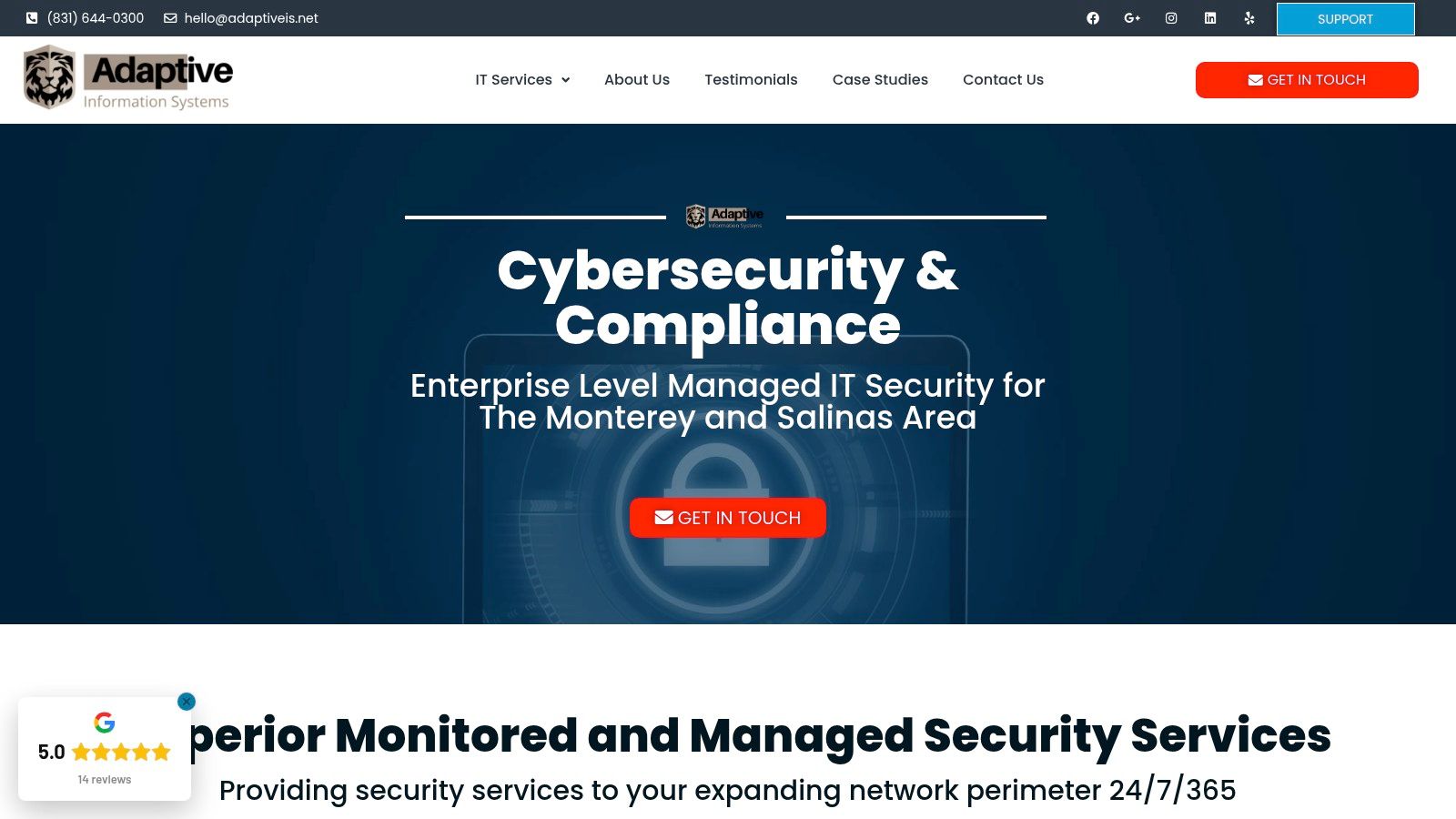
For businesses in Monterey County, from Salinas to Carmel, a managed IT service often gives you better protection than an off-the-shelf antivirus program. At Adaptive Information Systems, we offer top-tier managed cybersecurity and compliance services. This is a great choice if you need more than just software. We build enterprise-grade antivirus right into a complete security plan, managed by local experts who understand the threats facing our local industries like agriculture and hospitality.
 Cybersecurity And Compliance Monterey” />
What makes this a top choice in the best business antivirus software world is that it’s a complete service. Instead of just blocking malware, we actively manage threats, keep a constant watch on your systems, and give you expert advice on staying compliant with rules like HIPAA or CMMC. If you are looking for cybersecurity and compliance services that go beyond a single software license, a managed provider like us is a smart move. Our approach ensures your security tools are set up correctly and are always updated to fight new threats, giving you a level of protection a standalone product can't.
Key Strengths and Use Cases
- Complete Security Management: We combine antivirus, firewall management, and employee security training into one simple package.
- Compliance Expertise: Perfect for local financial services or educational institutions that need to follow strict data protection rules.
- Local, Hands-On Support: You get fast, on-the-ground help and personal advice for your business right here in the Monterey Bay Area.
- Scalable Protection: Our solutions grow with your company, making it a great long-term choice for both new and established businesses. To see how managed services help businesses grow, learn more about IT services for small businesses.
This service-based approach gives you real peace of mind, so you can focus on running your business while we handle your digital defense.
Website: https://adaptiveis.net/it-services/cybersecurity-and-compliance-montery/
2. Microsoft Defender for Business
If your business already uses Microsoft 365, Microsoft Defender for Business is an incredible value. It's more than just an antivirus; it's a complete security system designed for companies with up to 300 employees. This makes it one of the best business antivirus software options if you want to keep your security simple and stick with one provider.
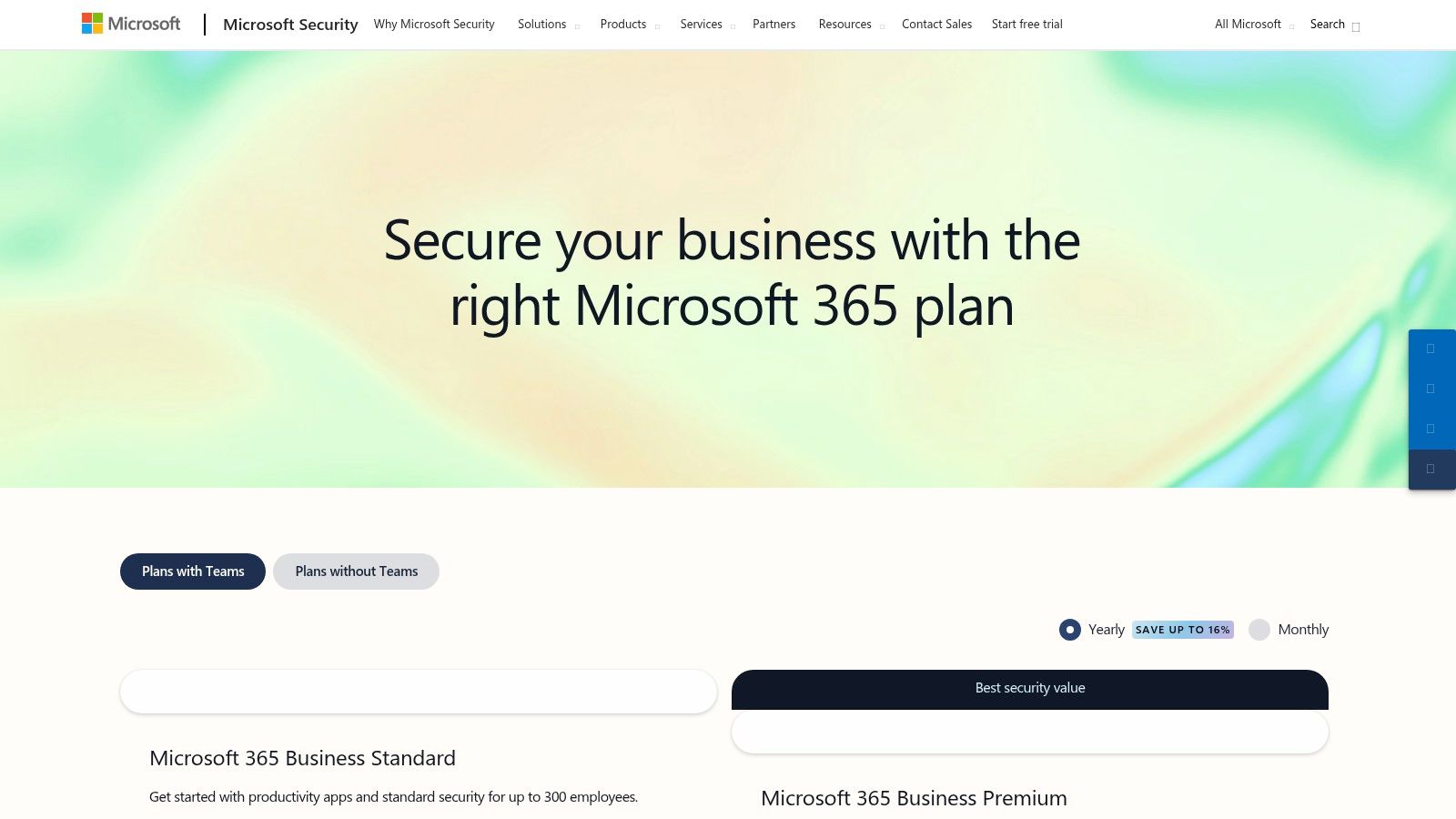
The software is included in the Microsoft 365 Business Premium plan or you can buy it on its own. Its biggest strength is simplicity. You can set it up for your whole company easily, making it simple for your IT team to add new devices. It also protects more than just Windows computers, covering Macs, iPhones, and Android phones to keep your entire team secure.
Key Features & Considerations
Defender for Business goes beyond basic virus scanning with powerful tools that detect and respond to threats automatically. It can investigate attacks, fix problems, and find security weaknesses before hackers can use them. Understanding all it can do is important for a strong defense, and getting expert help is a good idea. You can learn more about professional cybersecurity assessments here.
| Pros | Cons |
|---|---|
| Easy setup for Microsoft 365 users | Best value when part of a Microsoft 365 plan |
| No minimum number of devices required | Protecting servers costs extra |
| Clear, per-user pricing | Can be confusing if you don't use Microsoft 365 |
Website: https://www.microsoft.com/en-us/security/small-medium-business/pricing
3. CrowdStrike Falcon for Small Business
CrowdStrike offers its powerful, big-business security in a package that works for small businesses. Falcon for Small Business is a cloud-based system, which means you don't need complicated servers in your office. You can manage everything from one simple online dashboard. This makes it one of the best business antivirus software choices for companies that want top-level protection without the hassle.
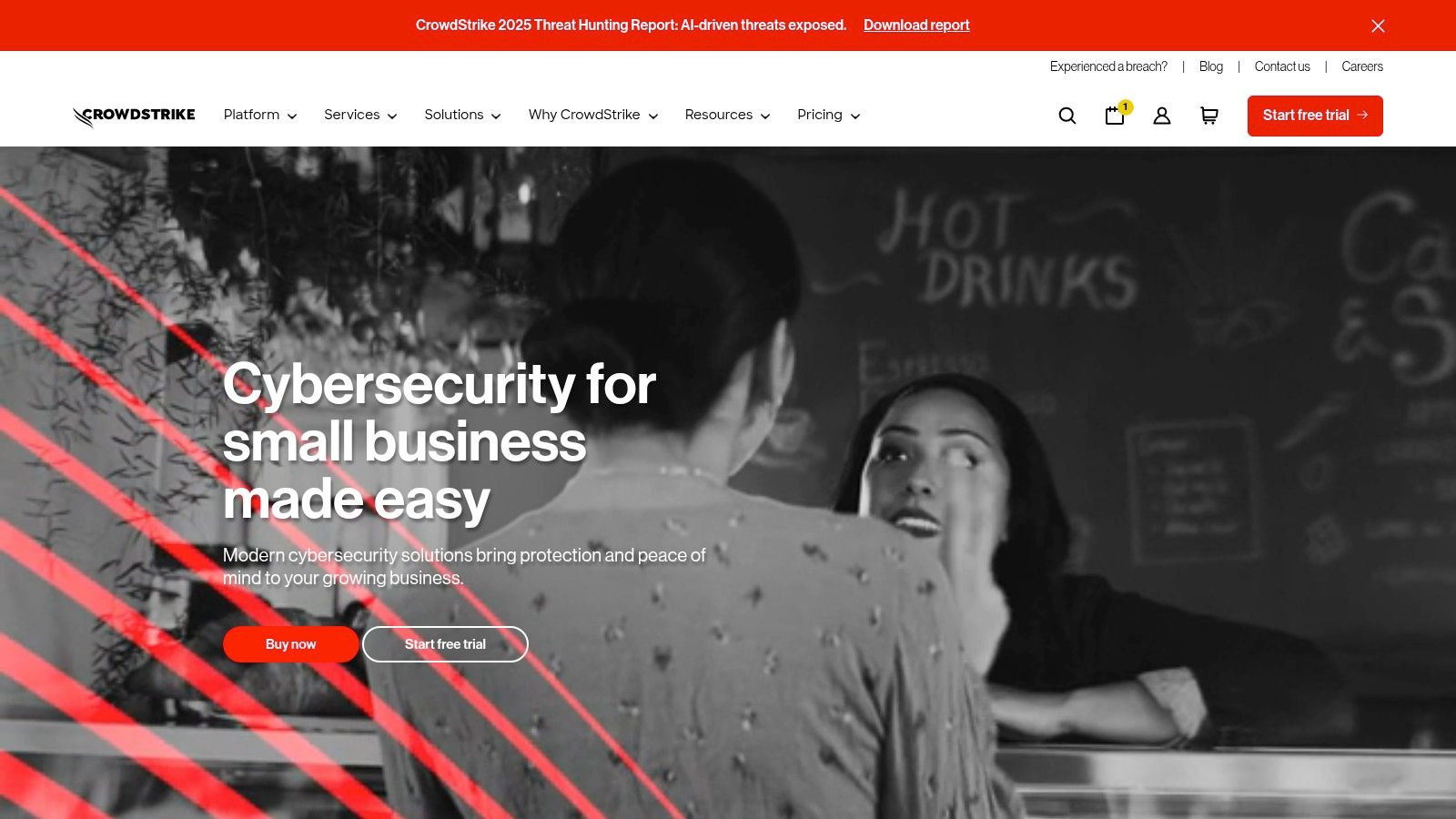
The system is designed to be set up quickly, so you can protect your team's devices right away. What makes it special is how easy it is to buy. You can get yearly plans directly from Amazon for 5 to 100 devices and even start with a 15-day free trial. This simple buying process avoids the usual back-and-forth that comes with high-end security tools.
Key Features & Considerations
Falcon Go gives you next-generation antivirus (NGAV) that uses artificial intelligence to stop malware. It also lets you control which USB devices can be used. If you need more, Falcon Pro adds firewall management and threat warnings. The pricing is clear and based on how many devices you have, supporting both Windows and Macs. This makes it easy to budget for security, which is a big deal for any growing business.
| Pros | Cons |
|---|---|
| Big-business technology made for small business | Yearly plans require at least 5 devices |
| Fast cloud setup and easy to manage | Advanced features require a custom price quote |
| Simple pricing and a free trial | Might be too much for very small teams with basic needs |
Website: https://www.crowdstrike.com/en-us/solutions/small-business/antivirus/
4. Bitdefender GravityZone Business Security
Bitdefender is known as a leader in cybersecurity, and its GravityZone Business Security software proves why. It uses multiple layers of security, including machine learning and advanced tools, to stop threats. This makes it one of the best business antivirus software choices for companies that want strong, proven protection that can grow with them, from a small shop to a large company.
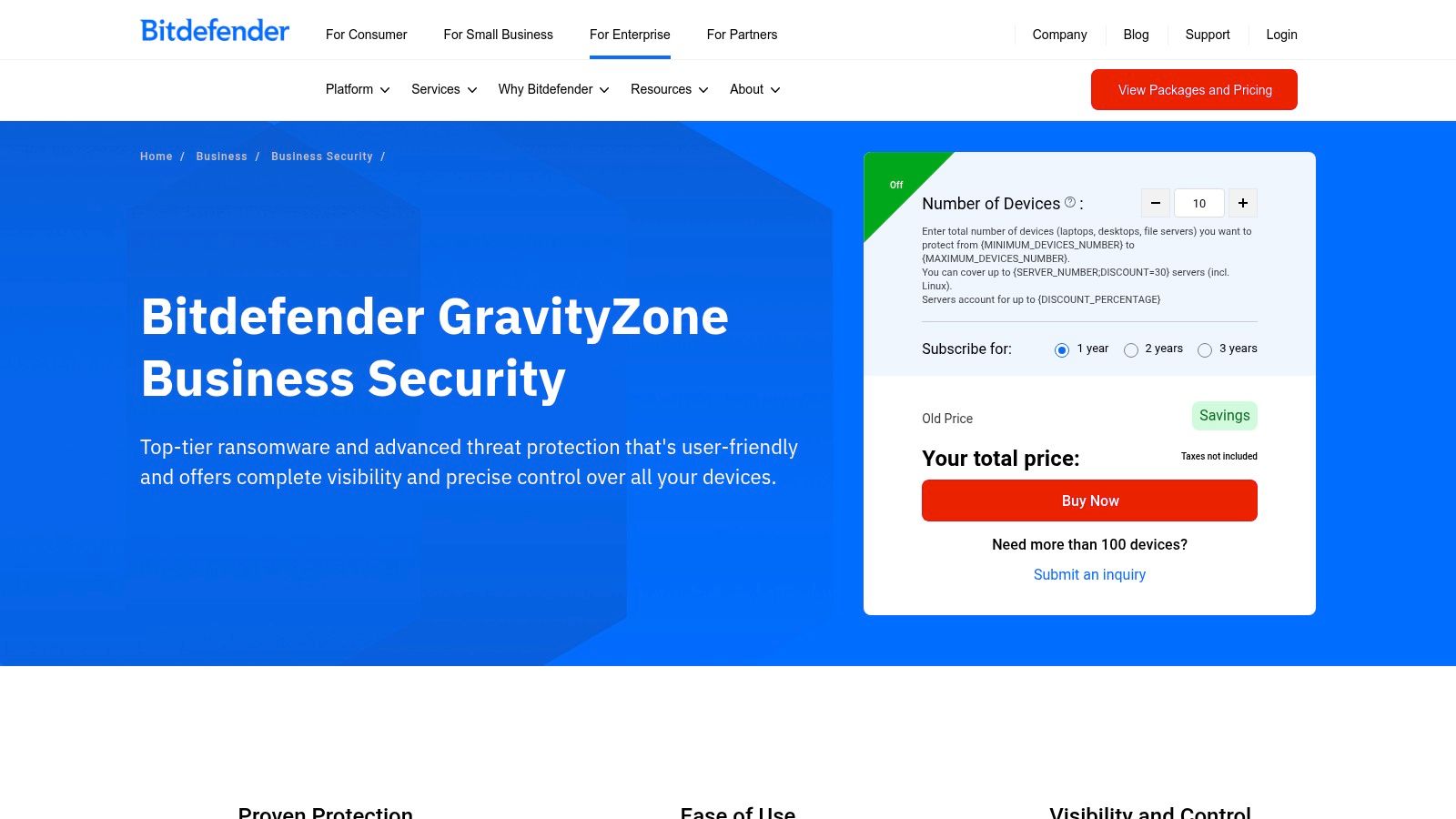
A big plus for GravityZone is its flexibility. You can manage everything from a cloud-based dashboard or from a server in your own office. This gives you control, which is important if you have specific data or network rules. The software protects Windows, Mac, and Linux computers and servers, keeping your security consistent everywhere.
Key Features & Considerations
GravityZone is great at stopping advanced threats before they can do any damage. It comes in different levels, so you can pick the features you need, from basic antivirus to advanced threat detection and risk analysis. The ransomware protection is especially strong, which is a critical defense for any business today. You can find out how to prevent ransomware attacks here to make your security plan even stronger.
| Pros | Cons |
|---|---|
| Performs very well in independent tests | Price depends on the plan and number of devices |
| Works on Windows, Mac, and servers | Some advanced features are sold as add-ons |
| Flexible setup: use the cloud or your own server | Can be more complicated to set up than simpler options |
Website: https://www.bitdefender.com/en-us/business/products/gravityzone-business-security
5. Trend Micro Worry-Free Services
Trend Micro has been a trusted name in security for a long time, and its Worry-Free Services are made just for small and medium-sized businesses. This cloud-based protection is easy to get through local IT partners. As one of the best business antivirus software options, it gives you strong threat protection with a simple management dashboard, which is perfect if you don't have a dedicated security expert on your team.
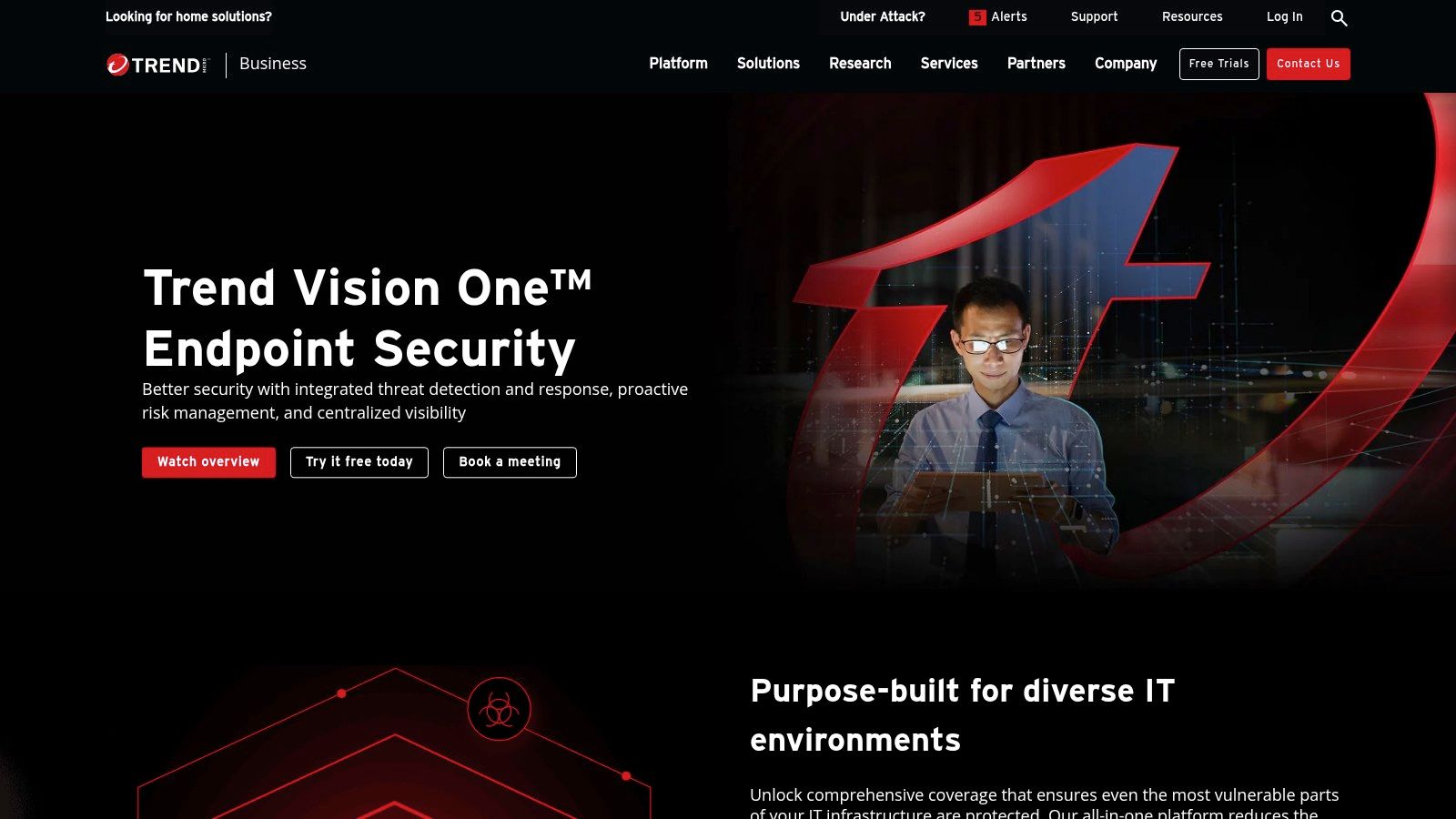
The software is built to grow with you, protecting businesses with just a few employees or several hundred. It uses a per-user price, which makes it easy to budget for as your team gets bigger. The main package includes modern antivirus, strong ransomware defense, and important web and email security to stop threats before they even reach you.
Key Features & Considerations
Trend Micro's strength is its all-in-one approach. The online dashboard lets you manage security for all your devices from one place, whether they're in your Salinas office or somewhere else. You can also add extra features like email encryption and better threat detection, so you can build the right security plan for your specific business needs.
| Pros | Cons |
|---|---|
| Simple per-user pricing from US partners | Features and price can be different depending on the partner |
| Good for businesses with 10 to 250 employees | You often have to ask for a price quote |
| Includes email and web protection | Adding advanced features can increase the cost |
Website: https://www.trendmicro.com/en_us/business/products/user-protection/sps/endpoint.html
6. ESET PROTECT
ESET has been a trusted name in security for years. Its ESET PROTECT platform is a top choice for the best business antivirus software because it doesn't slow your computers down. It's built to give you strong protection without hurting performance, which is key for staying productive in any business, including our local agriculture and hospitality industries.
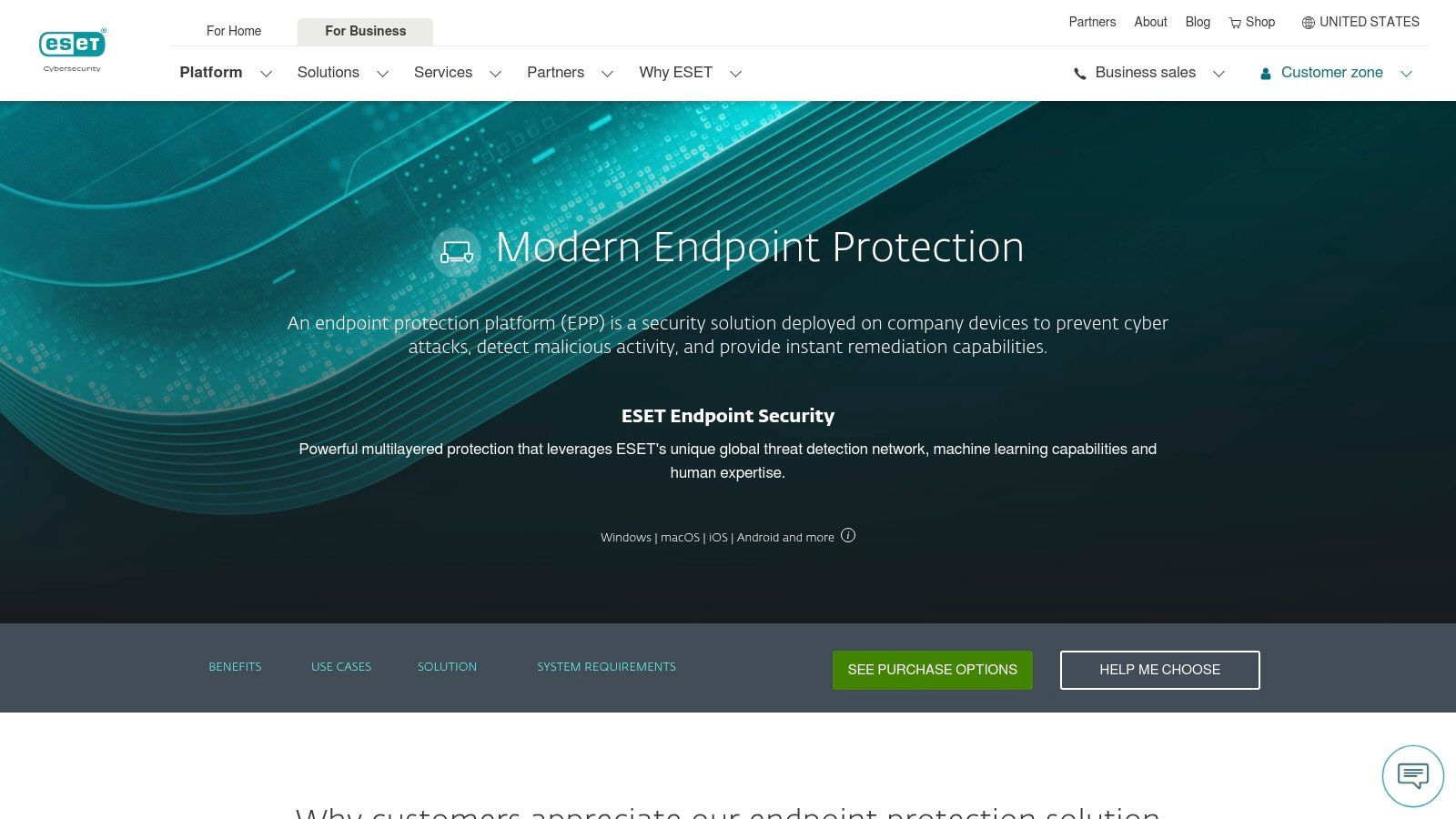
You manage the platform through a clean, cloud-based dashboard. This lets your IT team set up and control security on Windows, Mac, and Linux computers with a lot of detail. ESET offers different plans (Entry, Advanced, Complete) that grow with you, adding features like full-disk encryption and cloud app protection in the higher levels. This gives you a clear path to upgrade as your business needs change.
Key Features & Considerations
ESET PROTECT stands out with its lightweight software and powerful technology, which includes smart machine learning and a ransomware shield. Its flexible plans let you choose the exact level of security you need without paying for extras you won't use. Picking the right tools is important, and you can explore more about cybersecurity solutions for small business to help you decide.
| Pros | Cons |
|---|---|
| Plans are well-suited for small businesses | You often have to ask for a price quote |
| Flexible add-ons are available | Prices can be different depending on where you look |
| Known for being light on computer resources |
Website: https://www.eset.com/us/business/solutions/endpoint-protection
7. Sophos Intercept X
Sophos is another trusted name in cybersecurity, and its Intercept X software is one of the best business antivirus software solutions out there. It uses a smart AI engine to find both known and unknown malware before it can cause problems. This goes way beyond old-school virus scanning. This advanced approach makes it a great choice for businesses that need serious security.
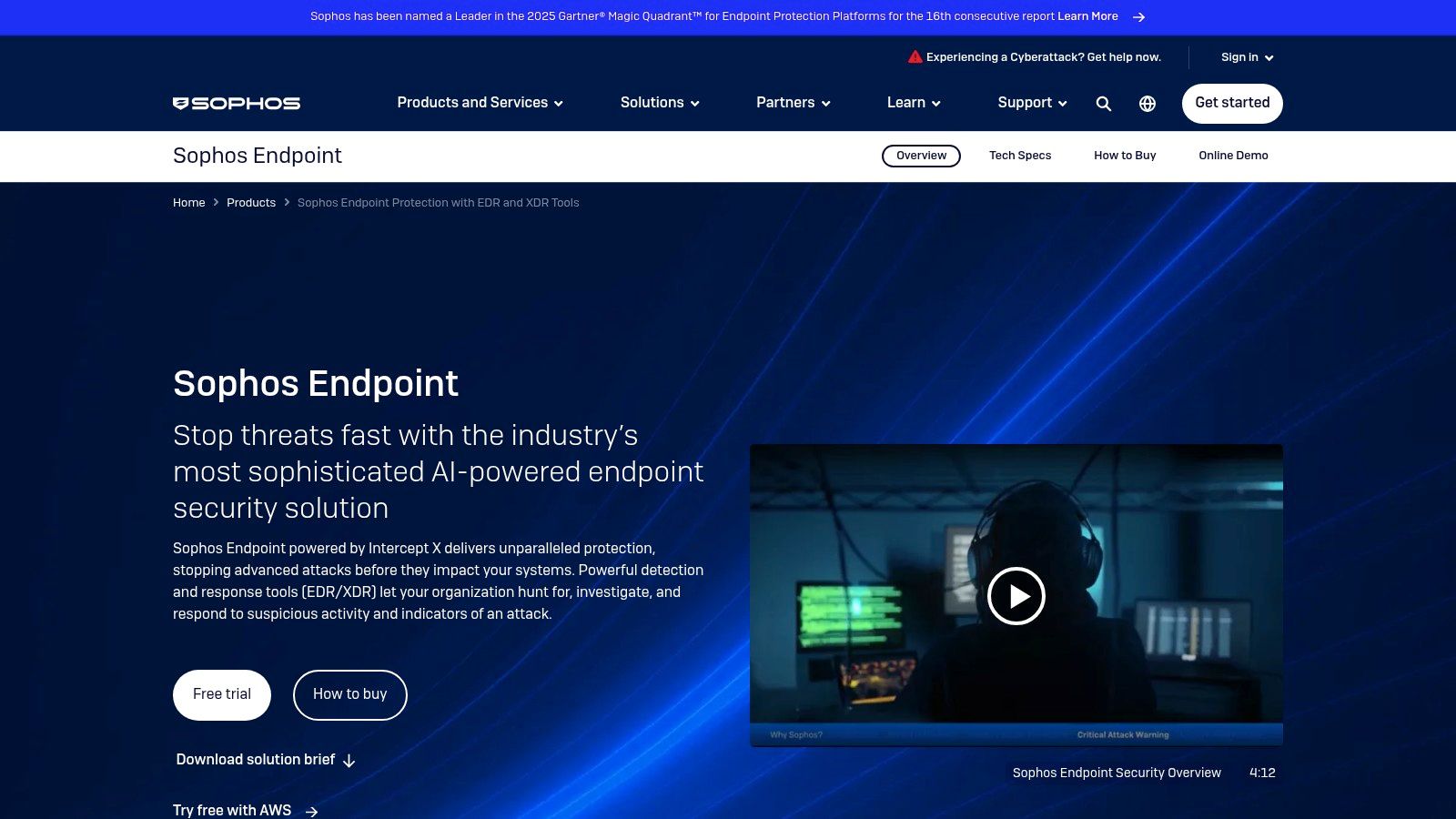
You can manage Intercept X from the Sophos Central cloud dashboard, giving you one place to see all your devices, from computers to phones. Its best feature is CryptoGuard, which protects you from ransomware by undoing any damage, so your files stay safe even if an attack gets through. This focus on fixing problems is what makes it different.
Key Features & Considerations
Sophos gives your IT team deep visibility to hunt for threats. This fits well with modern security ideas. To learn more about this, you can learn about implementing zero trust security here. You usually buy Sophos through a partner, which means you get expert help but the price isn't listed online.
| Pros | Cons |
|---|---|
| Strong defense against ransomware and new threats | You usually have to ask for a price quote |
| Can undo damage from malware | Some versions are only sold through partners |
| Works on many different types of devices | Can be tricky to set up without a partner's help |
| Large network of partners for support | Can use more computer resources on older machines |
Website: https://www.sophos.com/en-us/products/intercept-x
8. Malwarebytes for Business
Malwarebytes is famous for being great at removing malware, and its business software brings that skill to endpoint protection. It's one of the best business antivirus software choices because it's simple and has clear, per-device pricing. This makes it a great fit for small to medium-sized businesses that need strong security without a lot of complexity.
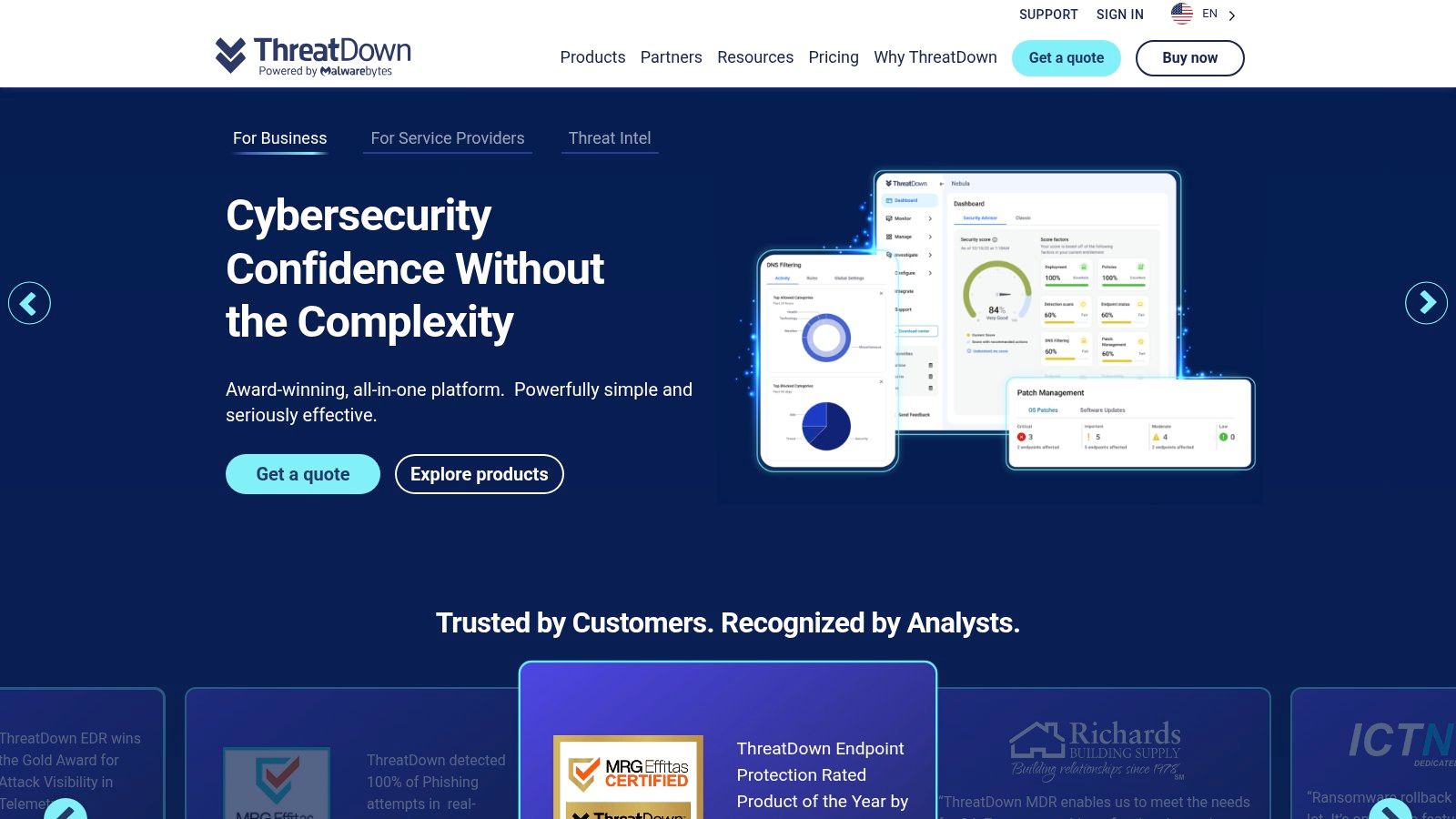
The platform has a cloud-based dashboard that makes it very easy to set up protection and check on your devices. Its "Teams" plans are perfect for very small offices, with simple packages for 3, 10, or 20 devices. This takes the guesswork out of buying security and gets you protected fast, which is a big help for any business owner.
Key Features & Considerations
Malwarebytes for Business gives you next-generation antivirus built to stop modern threats like ransomware. Higher-level plans add features that can undo damage from ransomware by restoring your files. You can try it for free for 30 days to see if it's right for your business before you buy.
| Pros | Cons |
|---|---|
| Simple to set up and manage | Pricing for "Teams" plans isn't always shown upfront |
| Good per-device price for 10–99 devices | Advanced features are only in the more expensive plans |
| Priority support is available | Server protection costs more |
Website: https://www.malwarebytes.com/business
9. Webroot Business Endpoint Protection
For businesses where speed is key, Webroot Business Endpoint Protection is a great choice. It's known for having a tiny software agent that runs in the cloud, so it installs in seconds and won't slow down your computers. This makes it a favorite for IT service providers and small businesses that can't afford to have their security software get in the way of work.
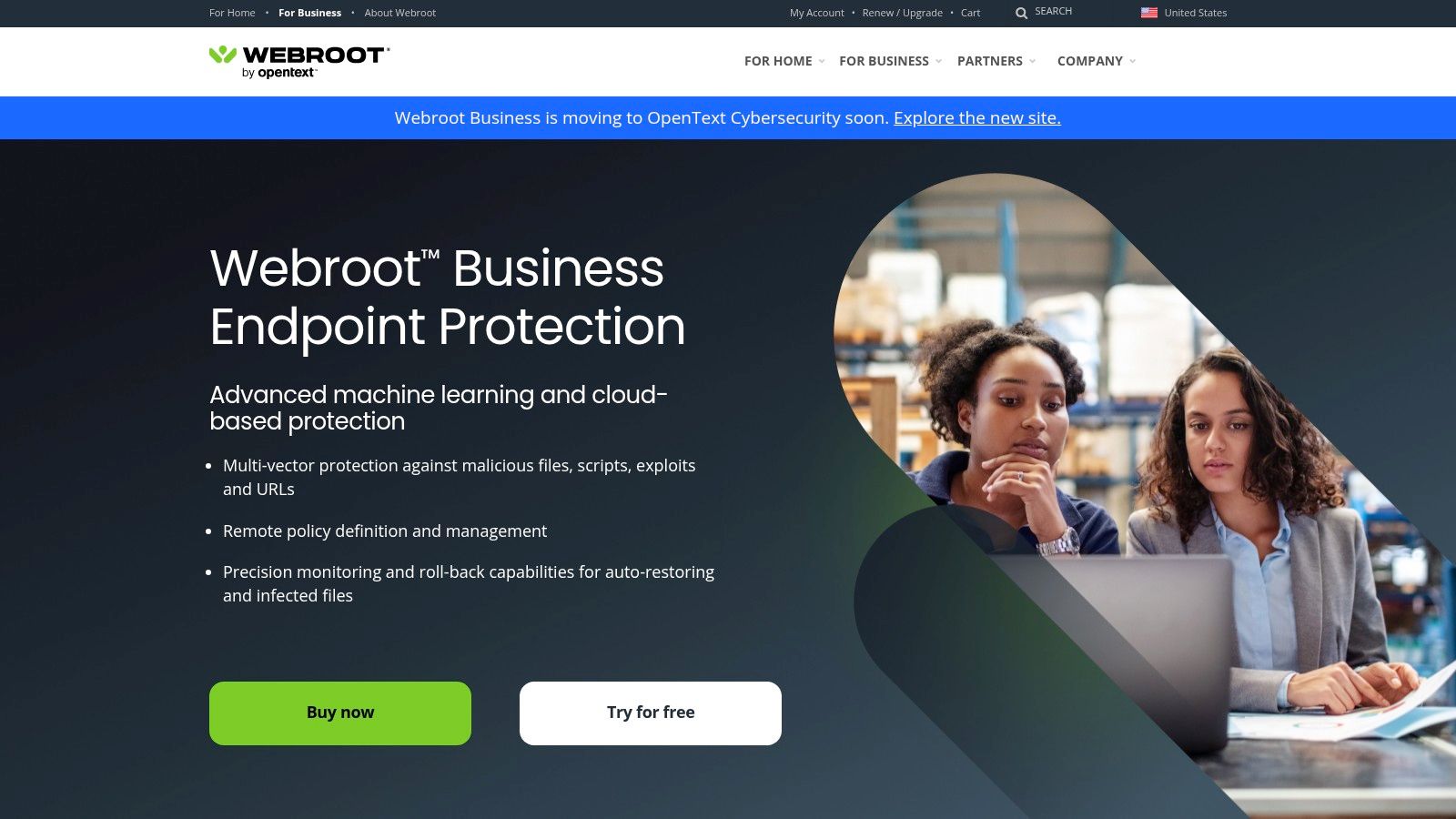
The platform's strength is its simplicity. Because it's managed completely from a cloud dashboard, you don't have to maintain any servers, and updates happen automatically. This simplicity, along with powerful tools for IT managers, makes it a great option if you want strong protection without a big IT headache. It's a true "set it and forget it" solution that works quietly in the background.
Key Features & Considerations
Webroot offers more than just basic antivirus. Its modern engine includes a tool called Evasion Shield, which is designed to stop tricky attacks that other software might miss. For even better security, you can add tools for DNS Protection and Security Awareness Training to create more layers of defense for your team. The platform is designed to stay out of your way while giving you solid, reliable protection.
| Pros | Cons |
|---|---|
| Very small software with minimal impact on speed | The admin dashboard has some quirks, according to reviews |
| Simple management, great for small businesses | The official price isn't always listed online |
| Works well with other IT management tools | Most people buy it through a partner |
Website: https://www.webroot.com/us/en/business/smb/endpoint-protection
10. Amazon Business and Retail – Business Antivirus Category
If you value getting software quickly and easily, Amazon's marketplace can be a good place to find business antivirus software. It's not a single product, but a huge online store where you can buy licenses for top brands like CrowdStrike, Norton, and others. This is perfect for businesses that need protection right away and don't want to go through long sales calls.
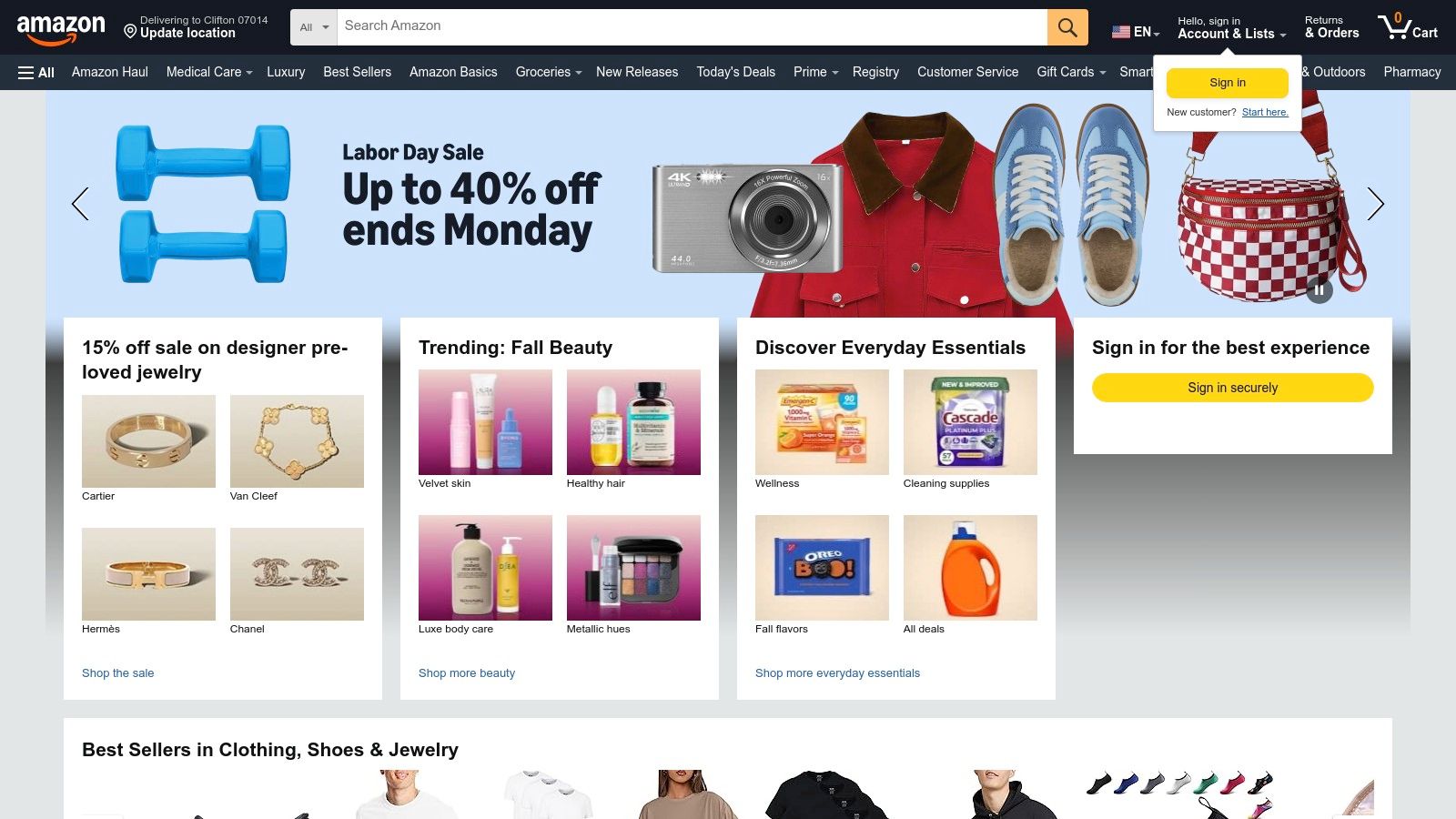
The main benefit of using Amazon is that it's familiar and fast. If you have an Amazon Business account, you can buy software easily with features like tax-exempt purchasing. You can manage your subscriptions and renewals right from your account dashboard, which cuts down on paperwork. This makes it a practical choice if you like to do things yourself and want to buy everything from one trusted place.
Key Features & Considerations
The key to buying on Amazon is to be careful. You need to make sure you are buying the business version of the software and that the seller is trustworthy. While Amazon is very convenient, you won't get the direct support or expert advice you would from a security company or an IT partner. This works best if you already know exactly what you need and can set it up yourself.
| Pros | Cons |
|---|---|
| Get your software license right away | Listings can be different depending on the seller |
| Wide selection of top brands | You have to be careful not to buy a consumer version |
| Easy to manage subscriptions and renewals | No dedicated support or setup help |
Website: https://www.amazon.com
11. CDW – Endpoint Security Category
For businesses that prefer to buy software through a trusted technology seller, CDW’s endpoint security section is a great resource. CDW isn't a software company itself; it's a huge IT marketplace where you can compare, get price quotes, and buy licenses for many of the best business antivirus software brands like Bitdefender, CrowdStrike, and Sophos all in one place. This is great if you need to manage software from several different companies.
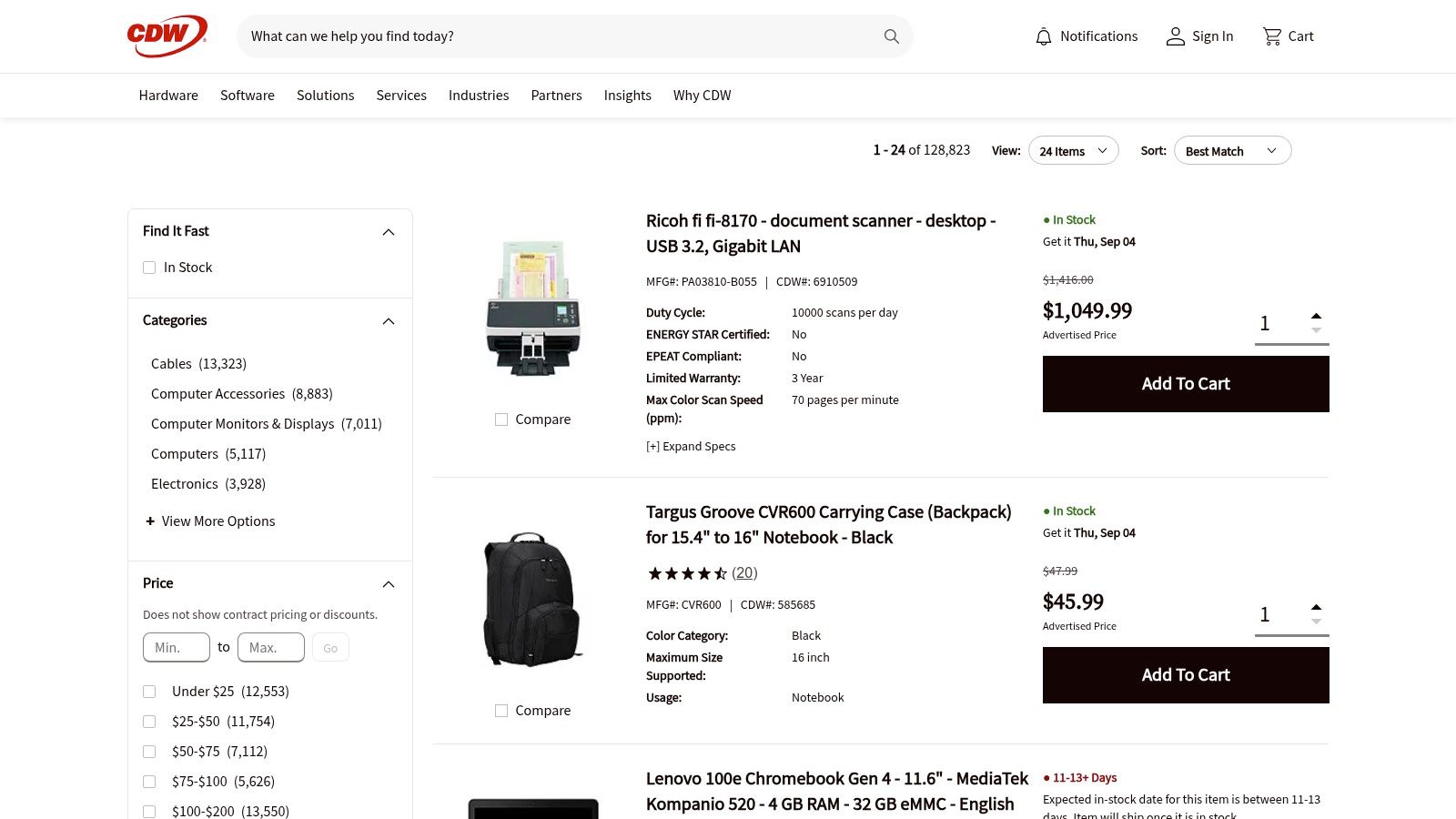
The main benefit of using a seller like CDW is that they make buying and managing software easier. Their sales teams can help you figure out complicated licensing and find the right product for your needs. This is a big help if you don't have someone who specializes in buying IT software. They offer expert advice and can simplify the process of renewing and managing software across your entire company.
Key Features & Considerations
CDW lets you ask for quotes if you're buying in bulk and can simplify your billing. This makes the paperwork side of security much easier. However, prices aren't always listed online, and you often have to talk to a salesperson to get a formal quote. While it's convenient, the price might sometimes be higher than buying directly from the software company.
| Pros | Cons |
|---|---|
| One place to buy software from multiple companies | You often have to ask for a price quote |
| Expert help with licensing and renewals | Can be more expensive than buying direct |
| Simplifies buying and billing | Can be overwhelming with too many choices for new buyers |
Website: https://www.cdw.com/category/software/security/endpoint-security
12. Newegg – Antivirus & Internet Security Store
If you like to manage software licenses yourself and hunt for deals, Newegg’s Antivirus & Security Store can be a good place to look. Newegg is a major online retailer that sells digital codes for many top security brands. This makes it a great place to find some of the best business antivirus software at a discount, especially if you only need to protect a few computers.
The main benefit here is saving money through frequent sales and discounts. With instant digital delivery, you can buy and install your software in minutes. For a small business in Marina or Seaside that needs simple protection for a few computers, this is a flexible option. However, you have to be careful to make sure you're buying a business license and not one meant for home use.
Key Features & Considerations
Shopping on Newegg requires you to be savvy. Always check seller ratings and read customer reviews carefully. Pay close attention to the product details to make sure it has the features you need, like a central management dashboard, and that the license is for commercial use. You can find great deals, but it's up to you to pick the right one.
| Pros | Cons |
|---|---|
| Good prices during sales | Many products listed are for home use |
| Instant downloads for quick setup | Third-party sellers can be unreliable |
| Wide selection of top brands | No central management or support included |
Website: https://www.newegg.com/Antivirus-Internet-Security/SubCategory/ID-377
Top 12 Business Antivirus Software Comparison
| Solution / Provider | Core Features / Security ★★★★✨ | User Experience / Quality ★★★★ | Value Proposition 💰 | Target Audience 👥 | Unique Selling Points 🏆✨ |
|---|---|---|---|---|---|
| It Services – Cybersecurity And Compliance Monterey | Enterprise-level cybersecurity & compliance; proactive threat management | Personalized, local support; rapid response | Competitive regional pricing 💰 | SMBs in Monterey Bay Area 👥 | Tailored, integrated local IT & compliance ✨ |
| Microsoft Defender for Business | Next-gen AV, EDR, cross-platform, up to 300 users | Easy Microsoft 365 integration; simple onboarding | Transparent pricing; 30-day trial 💰 | SMB Microsoft 365 users 👥 | Seamless Microsoft ecosystem fit 🏆 |
| CrowdStrike Falcon for Small Business | Cloud-native AV, device control, firewall option | Rapid cloud deployment; simple pricing | Per-device pricing; free trial 💰 | SMBs 5–100 devices 👥 | Enterprise-grade tech, quick setup ✨ |
| Bitdefender GravityZone Business Security | Multi-tier protection, cloud/on-premises options | Strong independent test scores, broad coverage | Tiered pricing varies 💰 | SMB to enterprise 👥 | Flexible deployment; layered security 🏆 |
| Trend Micro Worry-Free Services | AV with ML, ransomware/email/web protection | Per-user pricing via resellers; scales well | Quote-based, reseller-dependent pricing 💰 | SMBs with 10–250 users 👥 | Integrated email & web security ✨ |
| ESET PROTECT | AV, network protection, disk encryption optional | Lightweight footprint; granular policy controls | Pricing varies, add-ons available 💰 | SMBs needing flexible tiers 👥 | Low system impact; multi-OS support 🏆 |
| Sophos Intercept X | Deep-learning malware, EDR/XDR options | Large partner ecosystem; centralized cloud console | Quote-based pricing 💰 | SMBs to enterprise 👥 | Malware rollback; strong behavioral defenses 🏆 |
| Malwarebytes for Business | Next-gen AV, ransomware rollback, cloud console | Straightforward deployment; competitive pricing | Per-device pricing, priority support 💰 | SMBs 3–99 devices 👥 | Easy management; SMB Teams plans ✨ |
| Webroot Business Endpoint Protection | Next-gen AV, Evasion Shield, cloud-based console | Lightweight agent; strong MSP tool integrations | Partner-based pricing 💰 | SMBs and MSPs 👥 | Very small agent; fast install 🏆 |
| Amazon Business – Antivirus Category | Digital license delivery, subscription management | Marketplace reviews; easy procurement | Broad catalog but varies by seller 💰 | SMBs needing quick licensing 👥 | Fast purchase; tax-exempt options ✨ |
| CDW – Endpoint Security Category | Wide security catalog, license guidance | Account management & procurement support | Volume quote pricing; sometimes higher 💰 | SMBs & enterprises 👥 | Trusted VAR; post-sale support 🏆 |
| Newegg – Antivirus & Internet Security Store | Digital codes, frequent discounts | Instant downloads, customer reviews | Budget-friendly promotions 💰 | SMBs seeking discounts 👥 | Competitive pricing; broad brand range ✨ |
Making the Right Choice for Your Salinas Valley Business
We've looked at a lot of the best business antivirus software on the market today. From the powerful protection of CrowdStrike Falcon to the all-in-one security of Bitdefender GravityZone, there are many great options. Each tool has its strengths, whether it's Microsoft Defender's easy integration with Windows or Sophos Intercept X's advanced ransomware protection. But the most important thing to remember is that choosing a tool is just the first step.
The right software for a financial firm in Monterey might not be the best for a growing ag business in Salinas. Your choice depends on your specific risks, any rules you have to follow, and the tech skills of your team. The goal isn't just to buy software; it's to put a solution in place that truly protects your company's most important assets without getting in the way of your daily work.
Your Action Plan for Selecting Antivirus Software
As you decide, don't get stuck on long feature lists. Instead, follow a clear plan to find the perfect fit for you.
- Figure Out What You Really Need: Before you even look at prices, think about what's essential. Do you have employees working from home? Do you handle sensitive customer data that falls under rules like HIPAA? Answering these questions first will help you narrow down your choices.
- Look at Your Current Technology: How will a new security tool work with the systems you already have? If your company uses a lot of Microsoft products, Defender for Business might be the easiest and smartest choice. If you have both Mac and PC computers, you'll need a tool that works well on both.
- Think About Management and Reporting: The best business antivirus software is no good if it's not managed well. Think about who will watch for alerts, run scans, and update settings. Do you need a simple dashboard that you can "set and forget," or do you need detailed reports for audits?
- Plan the Setup: Installing new software across your whole company can be a pain. Think about the process. Does someone from IT need to go to every computer, or can you install it remotely? A smooth setup is key to getting protected right away.
Choosing and setting up the right security software is a big decision that protects your business and your reputation in our community. The online world is always changing, but with a smart approach, you can build a strong defense that lets you focus on what you do best: running your business.
Trying to figure out cybersecurity can be a lot to handle, but you don't have to do it alone. At Adaptive Information Systems, we specialize in managing, setting up, and fine-tuning the best business antivirus software to give local businesses like yours enterprise-level security. Let us take care of the technical details so you can have peace of mind.
Adaptive Information Systems
380 Main St, Salinas CA 93901 | 831-644-0300 | hello@adaptiveis.net