
The only surefire way to avoid downtime during local infrastructure projects is with smart IT planning—a proactive strategy you build before the digging ever starts. This isn't just about crossing your fingers and hoping for the best. It's about taking a hard look at your risks, setting up backup systems for essentials like internet and power, and making sure your whole team knows the playbook.
With a little preparation, construction disruptions become minor inconveniences, not business-stopping emergencies.
Keeping Your Salinas Business Online During Construction
If you run a business anywhere in Salinas or Monterey County, you've seen the cones and barricades. Major infrastructure improvements are underway across the region, including road repaving, utility modernization, and broadband expansion. While these long-term upgrades are valuable, they often bring short-term disruptions—especially to your internet access, power supply, and physical network infrastructure.
For small businesses, even a few hours of internet downtime can mean missed sales, interrupted communication, and lost productivity. Many lack a contingency plan for surprise outages caused by road crews severing fiber lines or planned utility maintenance during business hours. Without a network resilience strategy, these businesses risk both revenue and reputation. This guide is designed to give you a clear, practical framework to build resilience and protect your business when the unexpected happens.
Your Three-Step Resilience Framework
Putting together a solid plan really boils down to three core phases: figuring out where you're vulnerable, building up your defenses, and mapping out your response. It's a continuous cycle, not a one-and-done task.
The process flow below gives you a great visual for how to approach a robust IT resilience strategy.
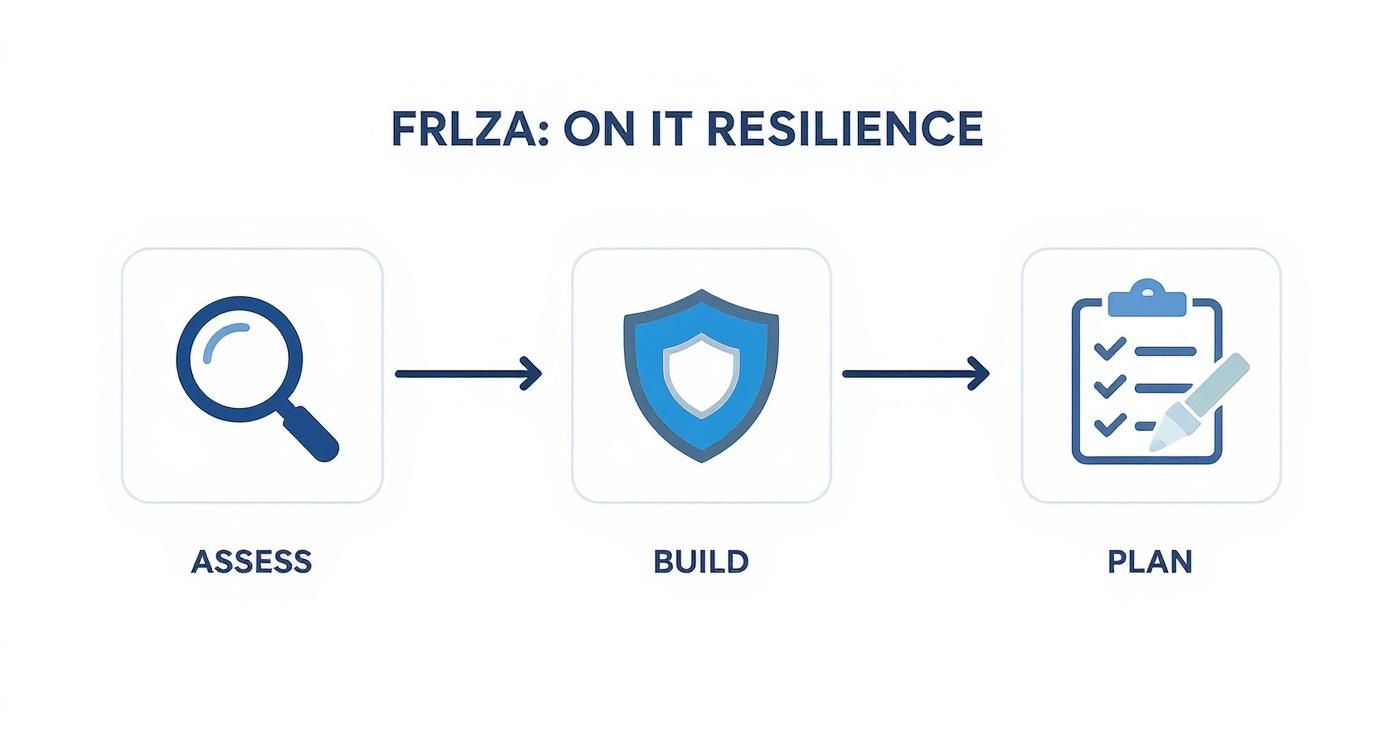
This approach makes it clear that resilience isn't a single action but an ongoing cycle of preparation and improvement. It turns a complex challenge into a much more manageable process, ensuring your business stays connected no matter what's happening outside your door.
To help you get started, we've put together a simple checklist to kick off the conversation with your team. Use these questions to get a quick read on your current readiness.
Quick Resilience Checklist for Local Businesses
This table summarizes the key resilience points your business should have locked down before local construction projects begin. Think of it as your conversation starter for building a stronger contingency plan.
| Resilience Area | Key Question to Ask | Why It Matters for a Salinas Business |
|---|---|---|
| Internet Connectivity | Do we have a backup internet connection? | A single fiber cut can take your primary connection offline. A backup keeps your point-of-sale, phones, and cloud apps running. |
| Power Supply | Can our critical systems survive a brief power outage? | Uninterruptible Power Supplies (UPS) prevent data loss and system damage during the short electrical flickers common with utility work. |
| Data Access | Is our essential data backed up off-site? | If your office is inaccessible due to road closures, cloud or off-site backups ensure you can still access critical business files. |
| Remote Work | Can our team work effectively from home if needed? | A solid remote work plan turns an office closure into a productive remote day, minimizing operational disruption and lost revenue. |
Having honest answers to these questions is the first step toward building a plan that truly protects your business from the short-term chaos of long-term progress.
Assess Your Risks Before Construction Begins
The smartest way to shield your business from construction-related chaos is to figure out where you’re most vulnerable before the first shovel hits the ground. A proactive risk assessment gives you a clear map of your potential weak points, turning what could be a crisis into a manageable hiccup. This is the cornerstone of any good IT plan for navigating local infrastructure projects.
It all starts with identifying your critical systems. Think about every piece of tech your business leans on to get through the day. If you're a local hospitality business in Monterey, that’s probably your reservation system and guest Wi-Fi. For an agricultural office in Salinas, it's the inventory management software and VoIP phone lines.
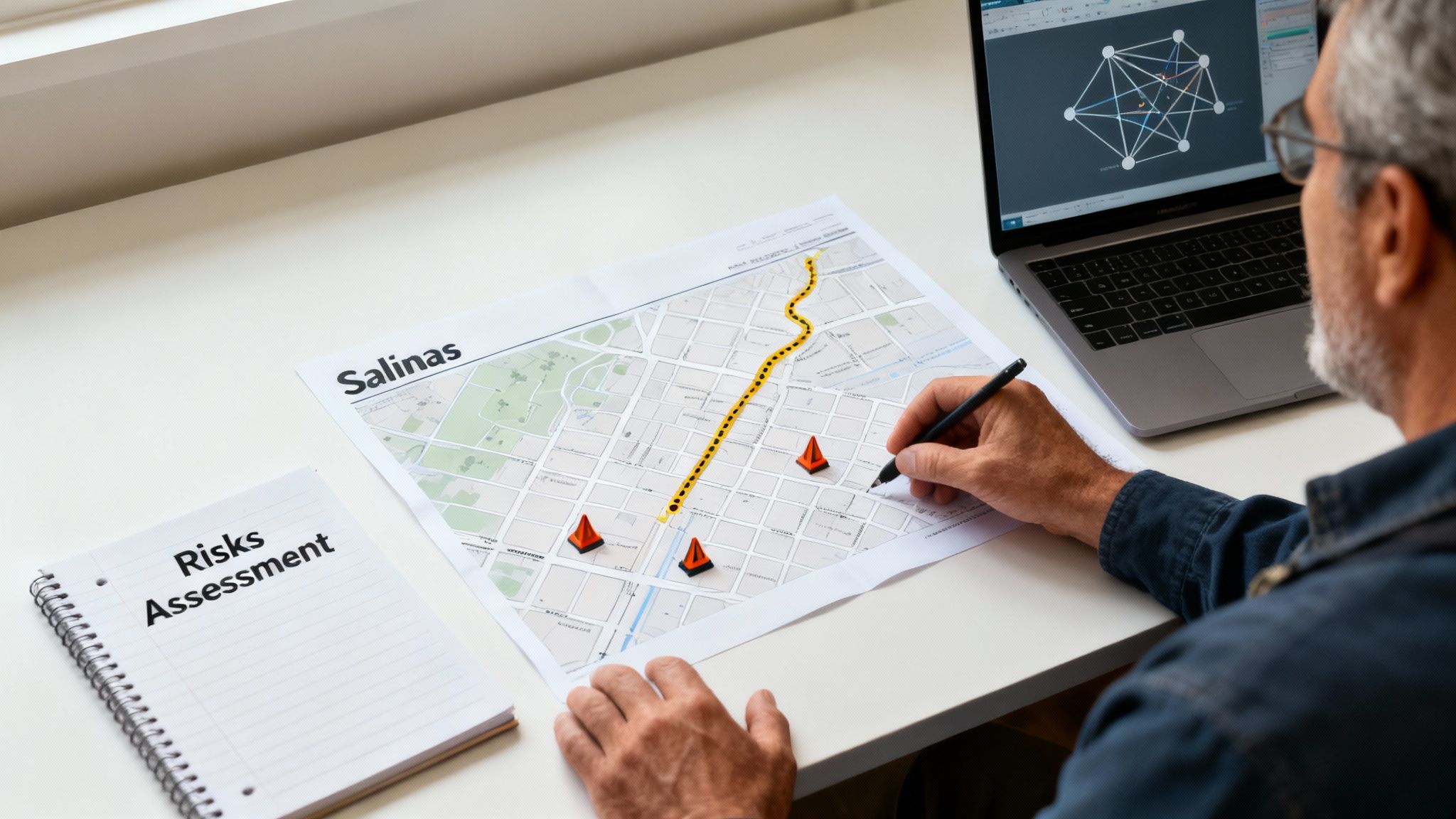
Once you have your list, the real work begins: hunting for single points of failure. This is anything that, if it went down, would grind your entire operation to a halt. For instance, if your whole business runs on one internet cable that happens to go under a street scheduled for repaving, you've just found a major red flag.
Key Questions to Kickstart Your Assessment
To get a real sense of your readiness, get your team together and start asking some practical "what if" questions. The point isn't to scare everyone, but to build a realistic preparedness plan. You don't need all the answers right away; the questions themselves will shine a light on where you need to focus.
Ask yourselves these key questions:
- Internet: Do we have a backup internet line?
- Data Access: Is our data backed up off-site?
- Remote Work: Can staff work remotely during outages?
- Power: How long can our critical gear run if the power is cut? Is there an Uninterruptible Power Supply (UPS) in place?
- Communication: How will we talk to employees and customers if our main phone lines and email are offline?
These questions are the bedrock of a solid risk assessment. We know that Salinas’ downtown corridor and sections of Highway 68 are seeing heavy utility and road work this quarter. These areas include commercial zones where many small businesses operate, making them especially vulnerable to service interruptions. Business owners in affected zones need to take preventive steps now to reduce exposure to unexpected outages.
Pro Tip: Don't just think about technology. Consider the physical logistics. If construction blocks your main entrance, do you have a plan for deliveries, employees, and customers? A complete risk assessment looks at both digital and physical vulnerabilities.
Mapping Your Technology Dependencies
To make your assessment truly effective, you need to visualize it. Create a simple map of your technology dependencies. You don't need complicated software—a whiteboard or a spreadsheet will do the job perfectly.
List your core business functions in one column and the technology they rely on right next to them. This simple visual tool will quickly expose connections and risks you might have otherwise missed.
| Business Function | Required Technology | Potential Weakness |
|---|---|---|
| Processing Payments | Point-of-Sale Terminal, Internet Connection | Single internet line, local power source |
| Customer Service | VoIP Phone System, CRM Software | Internet-dependent phones, on-site server |
| Team Collaboration | Cloud File Storage, Email Server | Single internet line for access, local power |
This straightforward exercise helps you pinpoint exactly what needs to be protected. It transforms the vague idea of "downtime" into a concrete list of risks you can start addressing one by one. Once you understand these dependencies, you can stop worrying and start building solutions.
Build Your Redundancy and Failover Plan
Once you’ve mapped out your vulnerabilities, the next move in any smart IT plan is to build a safety net. This is where redundancy and failover strategies come in. Think of them as your insurance policy against the unpredictable chaos of local construction. And no, you don’t need a huge budget; practical, affordable solutions are available for local small and mid-sized businesses.
The most common point of failure is your internet connection. A single backhoe digging in the wrong spot can sever the line connecting you to the world, instantly halting sales, silencing phones, and cutting off access to cloud-based tools. A backup connection isn't a luxury anymore; it's a necessity.

This process is about ensuring that if one system fails, another is ready to take its place immediately, minimizing the disruption to your business. Let's look at a few key areas where you can build this resilience.
Backup Internet for Uninterrupted Service
Having a secondary internet connection is the cornerstone of a solid failover plan. The goal is simple: if your primary service provider goes down, another one picks up the slack instantly.
Here are a few practical options for SMBs:
- Diverse-Path Fiber: This means getting a second fiber internet line from a different provider that enters your building from a physically separate route.
- Broadband Cable: A business-class cable internet connection can serve as a reliable and cost-effective backup to a primary fiber line.
- 5G/LTE Cellular Backup: For many businesses, a 5G wireless connection is an excellent, surprisingly affordable failover solution. Specialized routers can automatically switch to the 5G signal the moment your main line drops.
The gold standard is an automated failover system. It detects an outage on your primary line and reroutes traffic to the backup in seconds, so quickly your team won’t even notice.
Adaptive Information Systems offers proactive network support, including backup connectivity options, failover systems, and remote monitoring services. Our team is local, meaning we stay informed about area-specific construction zones and can quickly respond if disruptions occur. Our tailored solutions ensure you stay online and protected—whether in the heart of Salinas or along Monterey’s coastal corridors.
Power Redundancy to Keep the Lights On
Your internet isn't the only utility at risk. Construction work can lead to both planned and accidental power outages. Even a brief power flicker is enough to reboot servers, drop phone calls, and cause data corruption.
Your power redundancy plan should have two main parts:
- Uninterruptible Power Supply (UPS): Think of a UPS as a battery backup for your most critical gear—servers, routers, phone systems. It provides instant power the moment the electricity cuts out.
- Backup Generator: For outages lasting more than a few minutes, a generator is essential. While it's a bigger investment, it can keep your entire operation running for hours or even days. For businesses with heavy power needs, understanding all options, like mobile natural gas solutions for unexpected disruptions, can provide another layer of resilience.
Leveraging the Cloud for Operational Flexibility
A strong failover plan also has to consider physical access. If road closures or other construction headaches prevent your team from getting to the office, can your business still run? This is where cloud-based tools become a powerful form of redundancy.
By moving key functions to the cloud, you separate your operations from your physical location.
- Cloud-based file storage (like Microsoft 365 or Google Workspace) ensures everyone can access important documents from anywhere.
- VoIP phone systems allow your team to make and receive calls from their business line on their laptops or mobile devices.
- Cloud-based applications for sales or accounting mean work can continue seamlessly from home.
This strategy turns a potential office shutdown into a productive remote workday. It’s a critical part of any modern continuity plan, ensuring your business is resilient to digital and physical disruptions.
Protect Your Data and Communicate Your Plan
A reliable network with redundant connectivity is your first line of defense, but it's only half the battle. Just as critical is protecting your most valuable asset—your data—and making sure everyone knows what to do when a disruption hits.
Without a bulletproof backup strategy, an unexpected outage from a nearby construction crew could mean more than just a few lost sales; it could mean permanent data loss. At the same time, a chaotic, uninformed response from your team can shatter morale and customer trust.
Safeguard Your Data with the 3-2-1 Rule
When it comes to data protection, the gold standard is a simple concept known as the 3-2-1 backup rule. It’s a straightforward framework that gives you incredible resilience against just about any physical risk.
Here’s the breakdown:
- Three Copies of Your Data: Maintain three distinct copies of anything important.
- Two Different Media Types: Store your backups on at least two different kinds of storage media—for instance, one on a local device and another in the cloud.
- One Copy Off-Site: Make sure at least one of these backup copies is stored in a completely separate physical location.
This approach gives you the speed of on-site recovery for minor issues and the security of off-site storage for major events. If you want to dive deeper into building out the right strategy, check out our complete guide to disaster recovery and backup solutions.
Build a Clear Communication Strategy
When an outage strikes, uncertainty is your worst enemy. A clear, pre-planned communication strategy ensures your team can execute a calm, rehearsed plan instead of scrambling in a panic. The goal is simple: keep employees informed and productive while managing customer expectations.
Your communication plan needs to answer two key questions:
- Who needs to know? This includes key internal staff (managers, IT contacts) and a plan for reaching every employee.
- How will we talk if our main systems are down? If your email and VoIP phones are offline, you need a backup channel, like a group text message list or a dedicated messaging app.
Pro Tip: Don't wait for a crisis to start collecting phone numbers. Create and maintain an emergency contact list that's accessible offline.
Draft a few simple message templates for different scenarios. Having these ready to go saves precious time and ensures your messaging is clear, consistent, and calm.
Example Internal Message (for a text alert):
"Team Alert: We are experiencing an internet outage at the office due to local construction. Our failover system is active. Please follow remote work procedures until further notice. Updates will be sent via text."
Example Customer-Facing Message (for your website or social media):
"Our Salinas office is currently experiencing a service interruption due to nearby utility work. Our team is still available and working remotely. For assistance, please contact us at [Backup Phone Number] or [Alternative Email]. We appreciate your patience."
By pairing a rock-solid data backup plan with a clear communication protocol, you transform a potential disaster into a manageable event.
Test Your Defenses to Validate Your Strategy
A plan on paper is just good intentions. Until you've actually tested it, you have no idea if it will hold up when things go wrong. Validating your defenses in a controlled way is how you turn theory into genuine confidence.
Think of it like a fire drill. You don't wait for a real fire to find out if the alarms work. You want to find the weak spots during a calm, scheduled test—not while you're scrambling to help customers during an actual outage.
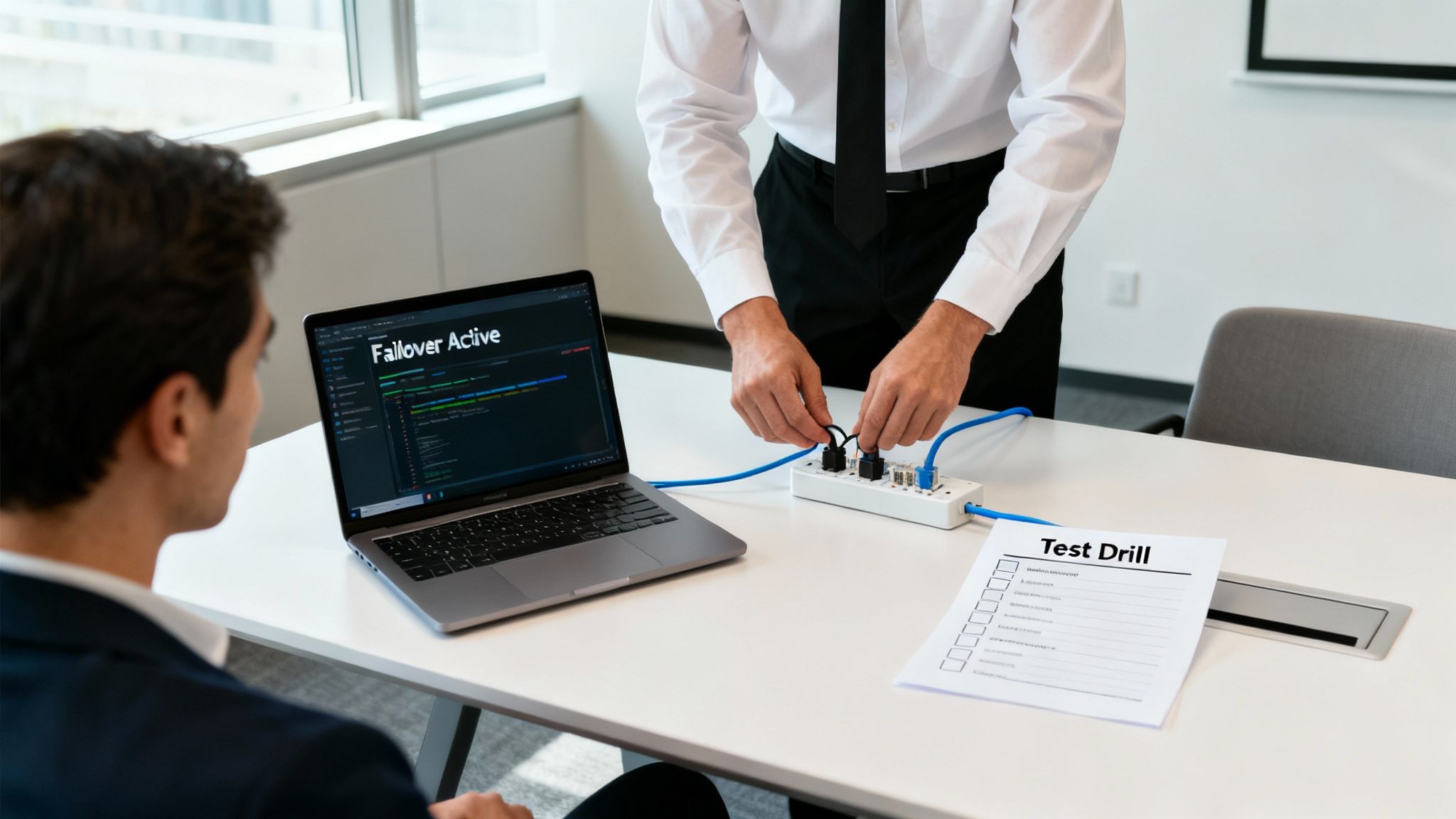
This process doesn't have to be a massive, disruptive event. Simple, hands-on drills can tell you a lot about how prepared you really are.
Running Simple and Effective Resilience Drills
The whole point of testing is to answer one question: "Does our backup plan actually work?" You can find out with a few straightforward drills. Just schedule them after hours or during a slow period to keep the impact on your daily operations near zero.
Here are a few practical tests you can run:
- The Failover Test: Unplug your primary internet connection. Does your backup line kick in automatically? How long does it take? This single drill will immediately tell you if your most critical redundancy is working.
- The Data Recovery Drill: Pick a non-critical file, "delete" it, and then try to bring it back from your off-site backup. This tests if your backups are running and how easily you can get your data back.
- The Power-Outage Simulation: Safely shut down the power to your server rack. Does your Uninterruptible Power Supply (UPS) kick in? This confirms your hardware can survive the short power flickers common during utility work.
If you're looking for a more detailed framework, our guide on disaster recovery plan testing breaks it down even further.
Why a Post-Project Review Is Essential
Your job isn't done just because the construction crews left. Once the dust settles, a post-project check is crucial to make sure all primary systems are back to normal and that the construction didn't introduce any new problems.
This review should confirm that:
- Your primary internet and phone lines are stable.
- No physical damage was done to any cables coming into your building.
- All systems that were running on backups have been switched back to their primary sources.
By testing your plan and checking your systems, you’re building true operational resilience that protects your revenue and reputation—no matter what’s happening outside your door.
Your Partner in Proactive IT Resilience
Trying to juggle IT resilience while also running your business is tough, especially with construction projects popping up across Salinas and Monterey. We’ve walked through the core strategies—assessment, redundancy, data protection, and testing—that form the bedrock of a smart IT plan. Putting these ideas into practice is how you turn a potential crisis into just another manageable day.
This is where having a local partner can make all the difference. As a Salinas-based company, we have a ground-level view of what’s happening in our community. We know the specific construction schedules and which areas might be affected because we live and work here, too. It’s about having a team that’s genuinely invested in the success of our neighboring businesses.
Stay Connected and In Control
Our approach is built on delivering proactive, sensible solutions. We believe every local business deserves enterprise-level IT at an affordable price. A huge piece of this is creating a robust business continuity policy that ensures your operation can handle whatever disruptions come its way.
If your business is located near ongoing infrastructure projects or you're concerned about internet downtime, contact Adaptive Information Systems for a quick resilience checkup. We’ll help you stay connected and in control—no matter what’s happening outside your door.
This forward-thinking mindset is also the key to smarter IT management overall. For businesses looking for a more flexible partnership, check out our guide to co-managed IT services in Aptos, CA to see how we can complement your existing team. Our goal is to make sure you feel confident and prepared.
Got Questions About Preventing Downtime? We've Got Answers.
Here are some of the most common questions we hear from local business owners across Monterey County. We’ve put together some straightforward advice to address the biggest concerns about keeping your business running during local infrastructure projects.
How Much Downtime Should I Realistically Expect?
This is the million-dollar question for any business near a construction zone. An unexpected outage from an accidental fiber cut during roadwork is completely unpredictable and could last a few minutes or several hours.
The real goal of smart IT planning is to aim for zero downtime. Or, at the very least, reduce the impact to just a few seconds. With the right failover systems in place, your business can keep running smoothly even if your primary internet connection gets severed.
Is a Backup Internet Connection Really Necessary for a Small Business?
Absolutely. In today's world, your internet connection is just as critical as your electricity. It powers your payment systems, your phones, and your access to cloud apps.
A single outage can easily cost a small business hundreds or even thousands of dollars in lost sales and productivity. A secondary connection, like a 5G/LTE wireless backup, is an incredibly affordable insurance policy that ensures you can keep taking payments and talking to customers. It turns a potential disaster into a minor hiccup.
"A business that can't take payments or answer the phone isn't a business—it's just a building. A backup connection is the single most important investment you can make in operational resilience."
What's the Very First Step I Should Take?
The best place to start is with a simple risk assessment. You don’t need any fancy software for this. Just grab a notepad and do a quick walkthrough of your daily operations.
Ask yourself one simple question: "If the internet went out right this second, what would break?"
Jot down everything that relies on that connection:
- Point-of-sale (POS) systems
- VoIP phones
- Credit card terminals
- Email and cloud software (like Microsoft 365)
- Customer relationship management (CRM) tools
This simple exercise will instantly shine a spotlight on your biggest vulnerabilities. It shows you exactly where to focus your efforts and becomes the foundation for any solid strategy to avoid downtime during local infrastructure projects.
If you're concerned about how local construction could impact your business, Adaptive Information Systems can help. Partnering with a local IT provider can help you answer these questions and ensure continuity through planned or unexpected construction impacts. Learn more at https://adaptiveis.net.
Adaptive Information Systems
380 Main St, Salinas CA 93901 | 831-644-0300 | hello@adaptiveis.net