
For business owners in Salinas, Monterey, and across Monterey Bay, the security threats you face are getting smarter. As we look to 2026, it’s clear that the old belief of being "too small to be a target" is now one of the biggest risks you can take. In fact, over 26% of small businesses still think they’re safe because of their size, and this leaves them open to attack.
The good news is that the mindset is changing. More than 80% of small businesses are planning to increase their security budgets. This shows a shift from fixing problems after they happen to preventing them in the first place. This guide will walk you through the top 4 security risks facing small businesses in 2026. We'll explain what they are and what you can do to protect your company, your customers, and your future.
1. Ransomware Is Getting More Aggressive
Ransomware used to be simple: criminals locked your files and you paid to get them back. By 2026, this threat will be much more serious. It's a top security risk because it’s no longer just about one payment—it’s a multi-step crisis.
What is a Data Hostage Attack?
Modern ransomware is a two-stage attack. First, criminals quietly break into your network and steal large amounts of sensitive data. This can include customer financial records, employee information, or your company's secret plans.
Only after they have your data do they lock down your systems. This gives them two ways to pressure you for money:
- Pay to unlock your files: A ransom to get your business running again.
- Pay for their silence: A second ransom to stop them from leaking your stolen data online.
For many businesses, the second threat is worse. A local accounting firm in Monterey might recover from a few days of downtime, but if its clients' private financial data gets published online, the damage to its reputation could be permanent.
How This Affects Monterey Bay Businesses
Imagine this: a Salinas Valley farm has its entire supply chain and payroll system locked. At the same time, the attackers threaten to release employee records and contracts with major grocery chains. The shutdown is expensive, but the loss of trust with partners and employees could put the farm out of business for good.
Key Takeaway: The cost of an attack is more than just the ransom. It includes fines for data breaches, lost customer trust, and long-term brand damage you can't fix.
How to Defend Against This Threat
You need a proactive, layered defense. Hoping you're too small to be a target is no longer a safe bet.
- Use Advanced Protection: Old antivirus software isn't enough. Modern tools can spot suspicious activity before an attacker locks your files.
- Create Unchangeable Backups: Make sure your backups can't be deleted or changed by an attacker. With a good backup plan, you can restore your systems without paying a ransom.
- Train Your Team: The most common way ransomware gets in is through a fake email. Regular training helps your team become your first line of defense.
How Adaptive Information Systems Can Help
Trying to handle these complex threats alone is overwhelming. At Adaptive, our mission is to provide enterprise-level IT at a price local businesses can afford. We can set up advanced monitoring to stop attackers early and create backup solutions so you can ignore ransom demands. We help you build a strong defense so you can focus on what you do best—running your business.
2. AI-Powered Phishing and Scams
Phishing attacks aren't new, but by 2026, artificial intelligence (AI) will make them nearly impossible to spot. The days of catching a scam because of bad grammar are over. This is one of the most dangerous security risks facing small businesses in 2026 because AI lets criminals create perfect, personalized attacks for everyone.

What Is AI-Powered Social Engineering?
Instead of sending thousands of generic emails, AI-driven attacks study a person's online activity to create believable messages. The goal is to trick an employee into wiring money, clicking a bad link, or sharing their password.
These scams can even use fake voices and videos:
- Voice Cloning: An attacker can use a short audio clip of your CEO to create a fake voice. Then they can call the finance department with an "urgent" payment request.
- Deepfake Videos: Scammers can create a fake video of an executive to make a fraudulent online meeting seem real.
- Personalized Emails: AI can write emails that mention real projects and coworkers, making them look completely legitimate.
How This Affects Monterey Bay Businesses
Think about an office manager at a hotel in Carmel. She gets an email that looks like it's from her boss, who is traveling. The email talks about a recent meeting and asks for an urgent payment to a new vendor. The language is perfect, and the request seems normal. It's a trap made by AI to trick a trusted employee.
Key Takeaway: The biggest weakness is no longer your technology; it's human trust. AI-powered scams take advantage of that trust, turning your best employees into a security risk.
How to Defend Against This Threat
Your best defense is a mix of smart technology and a well-trained team. Cyber hygiene starts with your people.
- Use Advanced Email Security: Tools like DMARC and SPF act like a digital stamp of approval, making it much harder for scammers to fake your company's email address. To learn more, read these email security best practices.
- Verify All Requests: Create a rule that any request for money or data must be confirmed through a second method, like a phone call to a known number.
- Conduct Ongoing Training: Employee training is one of the most overlooked layers of defense. Regular phishing simulations can teach your team to spot even the smartest fakes, turning them into a human firewall.
How Adaptive Information Systems Can Help
You don't have to face AI threats alone. We help local businesses build a strong defense. Our managed security services use AI to block malicious emails before they even reach your team. We also help you set up security training to empower your employees, protecting your business from all angles.
3. Cloud Security Mistakes
Moving to the cloud offers great flexibility, but it also creates new security challenges. As more businesses use platforms like Microsoft Azure, a simple setup mistake can lead to a major data breach. This is one of the sneakier security risks facing small businesses in 2026, because it’s easy to make a small error that leaves your data wide open.

What Is a Cloud Misconfiguration?
Cloud security is a shared job. The provider (like Microsoft) secures the main system, but you are responsible for securing your data inside it. A misconfiguration is any setting that leaves your data unprotected.
These mistakes are very common:
- Public Storage Folders: Accidentally setting a cloud storage folder to "public," making everything inside it available to anyone online.
- Too Much Access: Giving employees more access to data and systems than they need for their jobs.
- Exposed Passwords: Leaving passwords or secret keys visible in public code or unsecured files.
The problem is complexity. Without an expert to guide you, it's very easy to create a security gap without realizing it.
How This Affects Monterey Bay Businesses
Picture a hospitality group in Carmel using the cloud to manage guest reservations. A developer makes a small mistake and leaves thousands of guest records unprotected. A hacker's automated tool finds the database and steals all the information. The business now has to deal with fines, lawsuits, and a damaged reputation.
Key Takeaway: A data breach from a cloud mistake can be silent. You might not know your data was stolen for months, long after the damage is done.
How to Defend Against This Threat
Securing your cloud requires constant attention. You can’t just "set it and forget it."
- Limit Access: Give every user and application only the minimum permissions needed to do their job. Review these permissions often.
- Automate Security Checks: Use tools that constantly scan your cloud setup for mistakes, exposed data, and other risks.
- Protect Your Passwords: Never store passwords in plain text. Use a secure service to manage your secret keys and rotate them regularly.
- Keep Good Logs: Turn on logging for all cloud activity. This helps you spot and respond to strange behavior quickly.
How Adaptive Information Systems Can Help
Most small business owners don't have time to become cloud security experts. That's where we come in. Our team can manage your cloud setup to prevent these common mistakes. As you grow, we can help you streamline cloud migration in 2025 safely, so your data stays protected from the start.
4. Risks From Your Software and Vendors
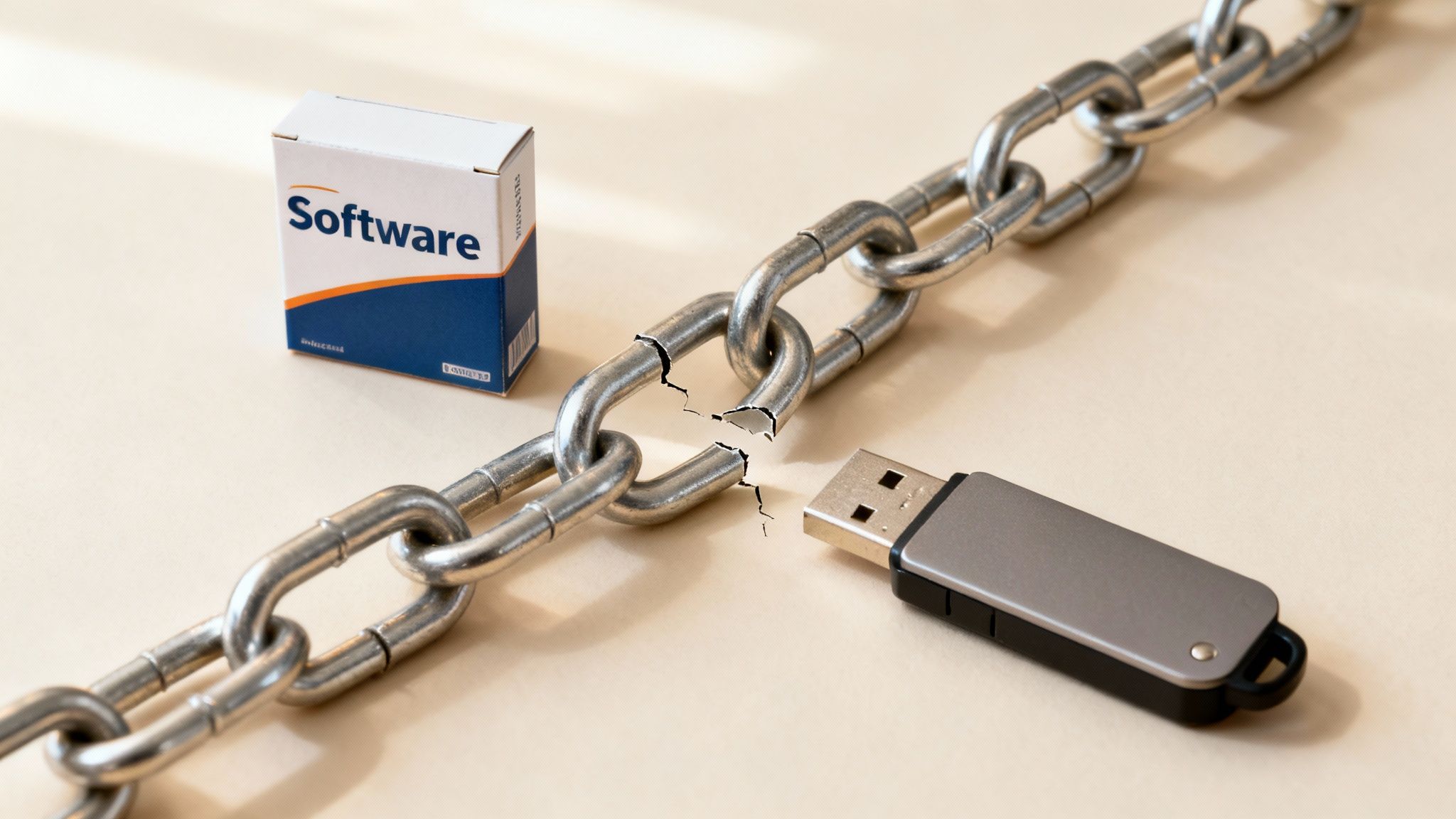
Your company's security is no longer just about your own office. The software, vendors, and partners you use are all connected. By 2026, one of the biggest security risks facing small businesses in 2026 will come from a trusted partner with weak security. A single weak link in your supply chain can put everyone at risk.
 cybersecurity vulnerability or risk.” />
What Is a Supply Chain Attack?
A supply chain attack is when criminals hack your business by first hacking one of your vendors. Instead of attacking one company at a time, they find a popular software tool that thousands of businesses use. Then, they push malicious code through that tool to all of its customers at once.
Recent major attacks have shown how dangerous this is. The criminals found one weak link and used it to access thousands of organizations that trusted that software.
How This Affects Monterey Bay Businesses
Think of a local law firm in Carmel that uses a popular online system to manage documents. If that vendor gets hacked, attackers could access every confidential client file. The law firm’s own security could be perfect, but its data is still stolen, leading to fines and a total loss of client trust.
Key Takeaway: You are only as secure as your weakest vendor. If you don't manage your third-party partners carefully, they can become your biggest security blind spot.
How to Defend Against This Threat
To protect your business, you need to look beyond your own network and manage the security of all your vendors. A helpful resource is this guide to third-party risk assessment.
- Know Your Vendors: Keep a detailed list of every software and vendor your business uses. Understand what data each one can access.
- Check Their Security: Before you start working with a new vendor, review their security practices. Make sure they meet your standards.
- Separate Your Network: Limit vendor access to only the specific parts of your network they need. If a vendor is hacked, this can stop the attack from spreading.
How Adaptive Information Systems Can Help
Managing vendor risk is a full-time job. We provide the expert help you need to secure your supply chain. We can segment your network to limit vendor access and help you check the security of your partners. We make sure your business is protected from both internal and external threats, giving you peace of mind.
Your Next Step: Plan for a Secure 2026
The security challenges for businesses in Salinas and Monterey Bay will only grow by 2026. We’ve covered the top 4 security risks facing small businesses in 2026, from AI-powered scams to supply chain attacks. The message is simple: you can't rely on old security methods anymore. Waiting for an attack to happen is a risk that can cost you everything.
Key Takeaways for Your 2026 Security Plan
Your journey to better security starts with a few key actions:
- Budgeting for Bigger Threats: Planning for security costs is no longer optional. It means investing in a complete strategy that includes expert monitoring, solid backup plans, and professional advice.
- Secure Hybrid Work Is Non-Negotiable: With 68% of small businesses struggling to protect remote workers, securing your hybrid setup is essential. Things like VPNs, multi-factor authentication (MFA), and zero-trust networks are now core parts of any security plan. Adaptive helps clients set this up seamlessly.
- Compliance Is Now a Competitive Advantage: Many industries, from healthcare to finance, have strict data rules. Staying ahead of regulations like HIPAA not only helps you avoid fines, but it also builds trust with your clients. Adaptive simplifies compliance so you can focus on your business.
Turning Knowledge into Action
Understanding these risks is the first step, but taking action is what matters. A great place to start is by reviewing these foundational cybersecurity tips specifically for small businesses. These tips can help you improve your defenses right away while you plan a long-term strategy.
If you own or manage a business in Salinas or the Monterey Bay Area, now’s the time to assess your 2026 cybersecurity readiness. Reach out to Adaptive Information Systems for expert, local guidance on building a smarter security strategy.
Adaptive Information Systems
380 Main St, Salinas CA 93901 | 831-644-0300 | hello@adaptiveis.net