
As a business owner in Monterey County, you know that a proper small business network setup is the central nervous system of your entire company. It’s what connects everything from your point-of-sale systems in a Carmel boutique to the employee laptops at your Salinas headquarters. This isn't just a piece of tech; it's the operational backbone that lets you serve customers, manage your day-to-day, and grow your business.
Building Your Business’s Digital Foundation in Salinas
Whether you’re running a busy restaurant in Seaside or an innovative ag-tech firm in the Salinas Valley, a rock-solid network is non-negotiable. It's the foundation for every digital interaction, from processing a credit card payment to collaborating with your team. I talk to many local business owners who see networking as an impossibly complex and costly challenge, but I'm here to tell you it doesn't have to be.
Our mission at Adaptive is to provide enterprise-level IT at an affordable price, and that starts with empowering you with the right knowledge. Think of this guide as your direct, no-jargon resource for getting your small business network setup done right. We'll demystify the core components—your routers, switches, and access points—and show you exactly how they work together for your benefit.
The goal here isn't just to get you online. It's to build a secure, efficient, and scalable foundation that supports your business today and grows with you tomorrow. It’s all about making smart, practical investments that deliver reliability without the enterprise price tag.
Creating this foundation is about more than plugging in a few devices and hoping for the best. A strategic approach is the only way to avoid the common pitfalls I see all the time:
- Poor performance: Slow speeds that frustrate your employees and customers.
- Security vulnerabilities: Weak spots that leave your business and client data dangerously exposed.
- Lack of scalability: A system that hits a wall the moment your business starts to succeed.
By understanding the essentials, you can make confident decisions that align with your goals. You also need to know when to call in the pros. For many local companies, partnering with the right Monterey County IT service providers is the fastest and most direct path to a professional, secure, and cost-effective network. This frees you up to focus on what you do best—running your business.
Adaptive Information Systems
380 Main St, Salinas CA 93901 | 831-644-0300 | hello@adaptiveis.net
Planning Your Network: What Do You Really Need?
Before you even think about buying a router or running a single cable, the most important step is to figure out what your business actually needs. It's a classic mistake to either overspend on fancy gear you'll never use or to cheap out and end up with a network that constantly frustrates your team and customers. A little planning now will save you a ton of headaches later.
Start with a simple inventory. How many employees need network access today? What about in two years? Think about every single device that will connect. For a hospitality business in Monterey, this includes point-of-sale terminals, kitchen printers, and guest Wi-Fi. But for an agriculture business in Salinas, it's a different story—they might have office computers, specialized IoT sensors in the fields, and a robust security camera system.
This image gives you a good visual for how to start mapping out every device that will touch your network.
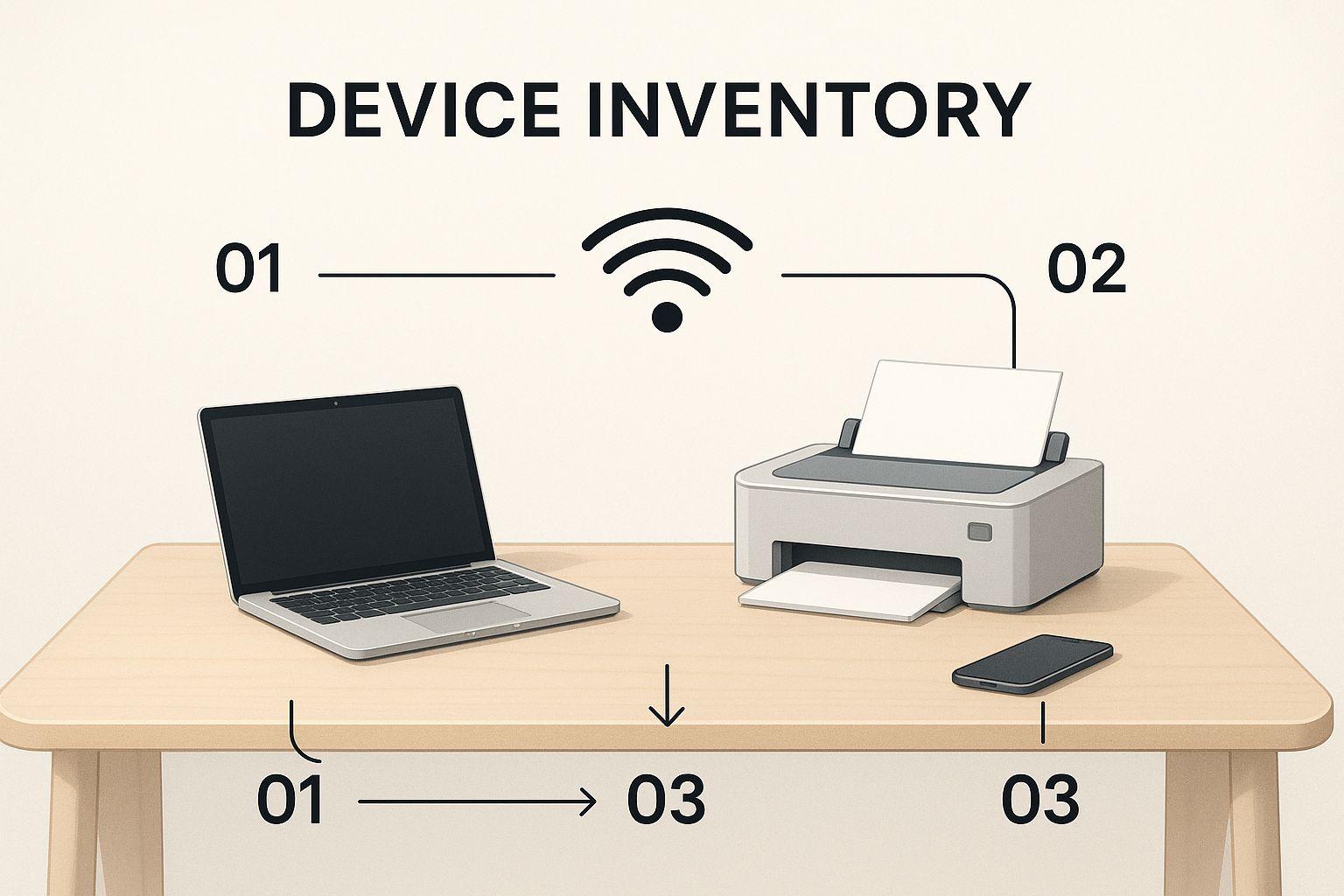
When you see it all laid out, it becomes much clearer what your network has to support. This simple exercise helps prevent slowdowns and bottlenecks down the road.
Wired, Wireless, Or a Hybrid Approach?
Next up, you need to decide how everything will connect. The choice between wired, wireless, or a mix of both directly impacts your network's speed, security, and overall cost.
- Wired Connections: An Ethernet cable is still the king of speed, stability, and security. It's the best choice for stationary, mission-critical hardware like desktop computers, servers, printers, and POS systems.
- Wireless Connections (Wi-Fi): Wi-Fi is all about flexibility. It's essential for laptops, tablets, smartphones, and for offering a convenient connection to your guests. A well-designed Wi-Fi network lets your team stay connected and productive from anywhere in your building.
- Hybrid Networks: Honestly, for most small businesses, a hybrid setup is the sweet spot. It gives you the rock-solid reliability of wired connections for your core equipment and the grab-and-go convenience of Wi-Fi for everything else.
My advice? Always wire what you can. Going all-in on Wi-Fi for every single device can lead to an unstable environment, especially as you grow. A hybrid model truly delivers the best of both worlds, giving you enterprise performance at a practical cost.
Before you start shopping, it's helpful to formalize your needs. Use this checklist to get a clear picture of your specific requirements so you can make smarter hardware and design decisions.
Network Needs Assessment Checklist
| Consideration | Your Business Requirement (Example) | Why It Matters |
|---|---|---|
| Number of Users | 15 employees, plus up to 30 guest devices at peak times. | Determines the capacity needed for your router and access points. |
| Types of Devices | Desktops, laptops, POS terminals, security cameras, smartphones, tablets. | Different devices have different bandwidth and connection-type needs (wired vs. wireless). |
| Primary Activities | POS transactions, large file transfers, video conferencing, cloud app usage. | High-bandwidth activities require a more robust network to avoid slowdowns. |
| Physical Space | 2,500 sq. ft. office with concrete walls. | Affects Wi-Fi signal strength and dictates where access points need to be placed. |
| Security Needs | Separate networks for guests and staff; secure access for sensitive financial data. | Essential for protecting business data and meeting any compliance standards. |
| Future Growth | Plan to add 5-10 employees in the next 2 years. | Your network should be scalable to avoid a costly overhaul as your business expands. |
Going through this process ensures you build a network that's just right for you today and ready for tomorrow.
Budgeting For Your Network Foundation
Once you understand your needs, you can put together a realistic budget. In 2025, a small business network can cost anywhere from $1,000 to $15,000.
For a typical business with 10 to 50 employees, an investment in the $5,000 to $15,000 range is quite common. The final price tag really depends on your choice of a wired, wireless, or hybrid solution and the quality of the hardware you select. For a closer look at these expenses, you can explore a detailed cost breakdown for small business networks.
This planning phase is absolutely essential. Taking the time to map out your specific operational needs allows you to design a network that delivers fantastic performance without breaking the bank. For even more detail, take a look at our complete breakdown of network setup for small business considerations.
Choosing the Right Hardware Without Overspending
Once you’ve got a solid plan, it's time to pick the hardware that will bring your network to life. The market is flooded with options, and it’s easy to feel overwhelmed. My goal is to help you select the right equipment for your small business network setup without paying for flashy features you don’t need or, worse, under-investing in gear that will just let you down.
The most critical thing to understand is the massive difference between consumer-grade and business-class hardware. That router you can grab off the shelf at a big-box store in Salinas is simply not built for the demands of a commercial environment. While the price tag might look good, it’s a classic case of short-term savings leading to long-term pain from downtime, poor performance, and glaring security holes.
Business-class hardware is engineered for reliability, security, and growth. It’s built to run 24/7 under heavy use, handle far more simultaneous connections, and offer the advanced security features needed to protect your company and customer data. This is where you get real, enterprise-level stability at a price that actually makes sense for your business.
Your Core Network Components
For most small businesses, three key pieces of hardware form the foundation of your network. Let's break down what they do and what you should look for.
-
The Router: Think of your router as the traffic cop for your network. It’s the gateway that connects your business to the internet and directs data to all the right devices inside your office. A proper business-class router gives you crucial features like a built-in firewall, VPN support for secure remote access, and the power to handle your full internet speed without breaking a sweat.
-
The Switch: A switch is the central hub connecting all your wired gear—computers, printers, servers—on the local network. It creates a fast, direct line of communication between them. You’ll generally encounter two types:
- Unmanaged Switches: These are simple, plug-and-play devices. They're a budget-friendly choice for very small, simple networks where you just need to connect a handful of devices.
- Managed Switches: These put you in the driver's seat. You can prioritize traffic (like making sure VoIP phone calls are always crystal clear), create separate virtual networks (VLANs) for better security, and monitor performance. For any business that plans on growing, a managed switch is a smart investment.
-
Wireless Access Points (WAPs): A WAP is what creates your Wi-Fi network. Unlike the all-in-one boxes sold to consumers, business networks typically use one or more dedicated WAPs. We place them strategically to blanket your entire facility with strong, seamless coverage. This approach eliminates dead zones and reliably supports a much higher number of wireless users—essential for employee devices and guest access.
Investing in business-class gear isn't about being extravagant; it's about building a reliable foundation. For a local hospitality business in Monterey or a financial firm in Carmel, consistent uptime and robust security aren't luxuries—they are fundamental to your operation and reputation.
Choosing the right components from day one saves you from the immense frustration of a network that can't keep up. It ensures your team can work without interruption, your operations run smoothly, and your digital assets stay secure.
Designing a Smart and Scalable Network Layout

Alright, you've got the right hardware. Now for the fun part: designing the physical and logical layout of your network. A smart network design, or topology, is much more than just plugging in cables. It's about creating an efficient, secure, and manageable flow of information that can scale right alongside your business.
For a small retail shop in Pacific Grove or a single office in Marina, a simple layout is often all you need. Your router connects to the internet, then to a switch, and all your wired devices—like computers and POS systems—plug into that switch. One or two wireless access points (WAPs) can then provide Wi-Fi for everything else. This classic "star" topology is popular for a reason: it's straightforward and works well for many small businesses.
But what happens when you grow? Thinking about that from the start can save you from serious headaches down the road. The goal is to build a foundation that is both solid today and flexible enough for tomorrow.
Creating Secure Zones with VLANs
One of the most powerful—and surprisingly affordable—tools in a modern small business network setup is the Virtual Local Area Network, or VLAN. I cannot recommend this enough. Think of a VLAN as a way to create separate, isolated "mini-networks" that all run on the same physical hardware. It’s a game-changer for security.
Why is this so crucial? Let’s talk about your guest Wi-Fi. You want to offer internet to visitors, but you absolutely do not want them having any access to your company’s private server, financial records, or point-of-sale system. A dedicated VLAN for guests creates a digital wall, completely separating their traffic from your sensitive internal network.
Here are a few common VLAN strategies I implement for local businesses:
- Staff Network: For all your trusted employee computers, internal servers, and printers.
- Guest Network: A totally isolated network just for customer and visitor Wi-Fi access.
- IoT/Security Network: A special zone for devices like security cameras or smart thermostats, which often have unique security vulnerabilities.
This kind of segmentation dramatically shrinks your security risk. If one network is somehow compromised, the others stay safe and sound.
A common mistake I see is lumping every single device—from the front desk PC to the public Wi-Fi—onto one flat network. It’s like leaving every door in your building unlocked. VLANs are the digital equivalent of giving different people keys to only the rooms they need.
Optimizing Your Wireless Coverage
Finally, let’s talk about where to put your wireless access points. Getting rid of Wi-Fi "dead zones" is essential for productivity, especially in larger spaces or buildings with signal-blocking materials—like some of the beautiful old properties in Monterey with thick, historic walls.
The worst thing you can do is stick the WAP in a back closet and hope for the best. For strong, reliable coverage, you need to place access points in central, elevated locations. Think high on a wall or on the ceiling, with a clear line of sight to the areas they need to cover.
For multi-story buildings or sprawling layouts, you'll likely need multiple WAPs. When set up correctly, they work together to create a seamless "mesh" of coverage. This lets you and your team walk from one end of the building to the other without ever dropping the connection. Strategic placement is key to keeping everyone connected and productive.
Securing Your Network Against Modern Threats
It's easy for a small business owner to feel overwhelmed by cybersecurity, but ignoring it isn't an option. A secure small business network setup isn't just a technical detail; it’s your frontline defense against the kinds of disruptions and data breaches that can shut a business down for good.
There's a dangerous myth that cybercriminals only go after big corporations. The reality is much different. Small businesses are often seen as softer targets because they might not have enterprise-grade security. The numbers don't lie: a staggering 43% of all cyberattacks are aimed squarely at small businesses. You can see more on these small business cybersecurity statistics to get a clearer picture of what you're up against.
Your customer data and your business's reputation are on the line. The following steps are the most important actions you can take to protect them.
Your Foundational Security Layers
Think of network security like the layers of an onion—a single layer is easy to get through, but adding more makes it exponentially tougher for an attacker. You don’t need a massive budget to build a solid defense; you just need to be smart and methodical.
First, your router's built-in firewall. This is your digital doorman, and it’s your first chance to stop malicious traffic cold before it even touches your network. Make sure it's turned on and configured to block all incoming connections by default. Only allow the specific traffic your business absolutely needs to function.
Next, let's talk about Wi-Fi. If you're using outdated security protocols like WEP or WPA, you're leaving the door wide open. You need to enable WPA3 encryption, which is the modern standard for securing wireless networks. It essentially scrambles all the data moving through the air, making it completely unreadable to anyone trying to eavesdrop.
I can't stress this enough: human error is almost always the weakest link. You can have the best technology in the world, but one person clicking a bad link can render it useless. Security is just as much about people and processes as it is about hardware.
Building a Human Firewall
Technology alone will never be the whole solution. You have to train your team to become a vigilant part of your defense strategy. Think of them as your "human firewall"—their awareness is one of your most powerful security assets.
Here are a few critical training points to implement immediately:
- Strong Password Policies: Insist on long, complex passwords or, even better, passphrases. A good password manager is a low-cost, high-impact tool that generates and stores unique, strong passwords for every single service—a huge security win.
- Recognizing Phishing Scams: Teach your staff how to identify suspicious emails. Tell-tale signs are often urgent or threatening language, odd-looking sender addresses, and unexpected links or attachments. The best rule of thumb? When in doubt, throw it out (or ask for a second opinion).
- Firmware Updates: This is non-negotiable. The companies that make your router, switches, and access points are constantly finding and patching security vulnerabilities. Get into the habit of regularly checking for and installing these firmware updates on all your network gear.
When you put these practices in place, you start building a culture of security. For even more robust strategies, it’s worth exploring the top cybersecurity solutions for small businesses that can take your protection to the next level.
When to Call for Professional IT Help in Monterey County

While a DIY approach to your small business network setup can be tempting, there's a tipping point where calling in an expert becomes the smartest—and most cost-effective—decision you can make. If your Salinas business is plagued by persistent connectivity drops, frustratingly slow speeds, or security concerns you can't shake, those are clear signals it’s time for professional help.
Trying to patch a complex network problem on your own often spirals into more downtime and higher costs than getting it fixed right the first time. This is especially true when your business must meet specific industry regulations like HIPAA for healthcare providers or PCI DSS for any company that processes credit cards.
The Value of a Local IT Partner
Working with a local IT partner gives you access to enterprise-level expertise that’s been scaled for the budget and needs of a Monterey County small business. We don't see a professional network design as just another expense; we see it as a direct investment in your company's stability, security, and potential for growth.
This is more critical than ever, with cybersecurity threats consistently ranking as a top concern for business owners. A recent U.S. Chamber of Commerce survey revealed that 60% of small businesses view cybersecurity as a primary worry, which shows just how vital a secure network design is to modern business strategy. You can learn more about small business trends in 2025 to see how these concerns are shaping the landscape.
Think of it this way: a professional handles the complex technical details, freeing you to focus on what you do best—serving your customers and growing your company. It’s about gaining peace of mind and a real competitive edge.
Our local expertise means we understand the unique challenges and opportunities for businesses in our community, from the agriculture and hospitality sectors to education and professional services. If you're curious about what that support looks like in practice, our guide on business technology services in Salinas offers a deeper dive into how we help companies like yours succeed.
When you’re ready for a network that just works, we're here to help you build a secure, reliable foundation for your business.
Adaptive Information Systems
380 Main St, Salinas CA 93901 | 831-644-0300 | hello@adaptiveis.net